
Vibe Technologies, LLC

Vibe AI Browser Co-Pilot
4 ratings
)AI browser agent: automate research, outreach & data entry across your logged-in tabs. Cloud or local AI.
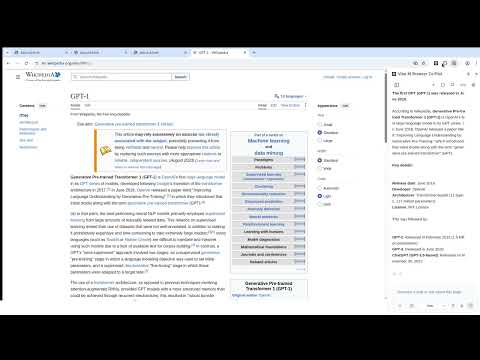
Vibe is an AI agent that works directly in your browser — automating real tasks, not just answering questions. It acts in your live, logged-in tabs: navigating sites, filling forms, researching, and running multi-step workflows across email, CRMs, and any website you use. Tell Vibe what you need in plain English. It plans the steps, clicks through pages, extracts data, and finishes the job across multiple tabs and sites — while you do something else. VIBE IN YOUR BROWSER - Navigate, research, and extract data from any site — no APIs or integrations needed - Fill forms, update records, and handle repetitive data entry - Run multi-step, multi-tab workflows from a single instruction - Summarize pages, draft messages, and compare options across open tabs - Works with leading AI models; bring your own key or use Vibe's included models. FOR SALES, RECRUITING & RESEARCH TEAMS - Sales & lead gen: research prospects on LinkedIn, personalize outreach, draft messages you approve before they send - Recruiting: source candidates, screen profiles, and track outreach across sites - Research: read across dozens of sources and get back a synthesized summary, table, or recommendation - Data entry: form filling, enrichment, and validation across legacy and modern sites alike - Builders: run Vibe as an MCP server or client to plug it into your own agent stack YOU'RE IN CONTROL Vibe asks before it acts on a new site — grant permission once in Settings → AI Agent Control, then it can work there going forward. It always stops before sends, purchases, or other hard-to-undo actions until you approve. Want nothing to leave your device at all? Switch to local Gemini Nano and every request stays on-machine. GETTING STARTED 1. Install this extension 2. Open the side panel — sign in free, or bring your own API key (no account required) 3. Describe your task in plain English 4. Review Vibe's plan and grant site permission when prompted 5. Approve sensitive actions (sends, purchases, submissions) before they happen USE SAFELY Any AI agent that reads and acts on live web pages can run into prompt injection — hidden instructions on a page trying to hijack its actions. Reduce your risk: - Start with trusted sites: grant site permission to familiar domains first - Review sensitive actions: always confirm before Vibe handles payments, sends, or account changes - Watch the plan: Vibe shows its steps before running — stop it anytime from the side panel Stop clicking through repetitive tasks. Install Vibe and automate your first workflow in under a minute.

More from Vibe Technologies, LLC


Details
- AddressVibe Technologies, LLC
519 South Henderson Street Seattle, WA 98108 US - TraderThis developer has identified itself as a trader per the definition from the European Union and committed to only offer products or services that comply with EU laws.
- D-U-N-S142059652