
MELLEPRISE

ChatGPT AUTO - AI Coding Assistant
7 ratings
)Auto-Scroll, Continue, Copy, Fullscreen Layout, ShortCut List, Fast Edit, and many more handy features. Saves up to 50% of your time
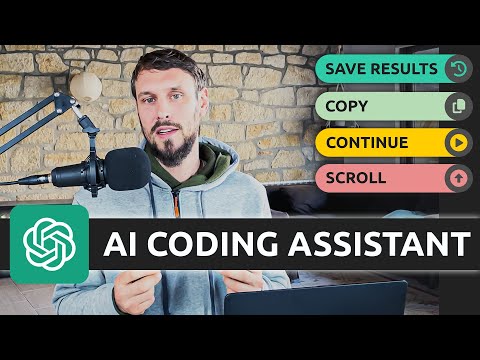
- Full-Width Layout: Uses your entire screen instead of the narrow default column. - Quick Prompts: Insert your own saved prompts instantly with Cmd+Alt+1–9 (Ctrl+Alt on Windows). - Auto Copy: Copies the finished response to your clipboard automatically. - Auto Scroll: Keeps the chat pinned to the latest response while it generates. - History Buttons: Browse, reuse and edit past prompts and responses. - Auto Close Menu: Collapses the sidebar automatically when a prompt starts. - Click-to-Edit: Click anywhere on a sent prompt to edit and resend it. - Auto Continue: Automatically clicks "Continue" when a response gets cut off. ChatGPT-AUTO automates the repetitive parts of working with ChatGPT — scrolling, continuing long responses, and copying results — so you can stay focused on your work. Quick prompts, a full-width layout, and one-click editing round out a workflow that can save you up to 50% of your time.

More from MELLEPRISE


Details
- AddressMELLEPRISE
7901 4th St N STE 300 St. Petersburg, FL 33702-4399 US - TraderThis developer has identified itself as a trader per the definition from the European Union and committed to only offer products or services that comply with EU laws.
- D-U-N-S039185646