
BIBLIOETECA TECHNOLOGIES SL.

NoMorePass : Forget your passwords
12 ratings
)Log in to websites by scanning a QR code and confirming on your phone.
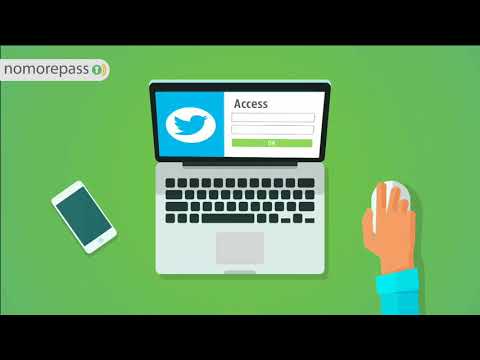
Sign in without typing passwords. NoMorePass connects your browser with the NoMorePass mobile app, so you can log in to websites by scanning a QR code and confirming the request on your phone. How it works 1. Open a website’s sign-in page. 2. Click the NoMorePass extension icon, or right-click a login field. 3. Scan the QR code with the NoMorePass mobile app. 4. Confirm on your phone and your login details are filled in securely. Why NoMorePass? - Avoid typing passwords on websites. - Use your phone to approve each sign-in. - Works with supported login forms and includes regularly updated compatibility rules. - The extension does not store your passwords or collect browsing data. Required: the NoMorePass mobile app for Android or iPhone. Learn more: https://www.nomorepass.com/ Technical details and support: https://www.nomorepass.com/wp/technical-description/?lang=en

More from BIBLIOETECA TECHNOLOGIES SL.


Details
- AddressBIBLIOETECA TECHNOLOGIES SL.
CALLE MAYOR 50 ALCORCON, Madrid 28921 ES - TraderThis developer has identified itself as a trader per the definition from the European Union and committed to only offer products or services that comply with EU laws.
- D-U-N-S463549457