


概要
Bulk Add and Delete YouTube Watch Later and Liked videos automatically
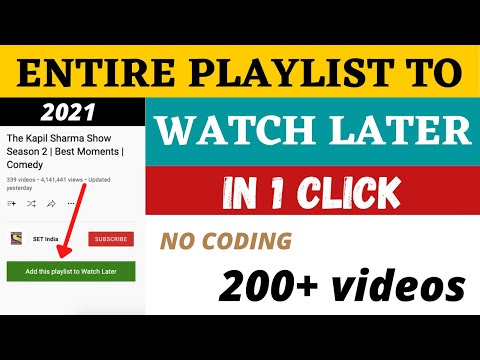
Add a playlist to your Watch Later in one click. Remove all your Water Later videos in one click. Remove all your Liked videos in one click How it works: ➡ Add Playlist to Watch Later ♦ When you will open a playlist listing page you will see a button "Add this playlist to watch later" above the video lists. Just click on that. ♦ If you are watching the playlist, you will see "Add this playlist to watch later button" above the playlist box. Just click on that. ♦ When you are in playlist page or watch, click on YT Watch Later Assist icon and click on "Add this playlist to watch" button ➡ Remove all Watch Later videos ♦ When you will open Watch Later page you will see a button "Remove all videos" above the video lists. Just click on that. ♦ OR click on YT Watch Later Assist icon and click on Remove all Watch Later videos button. ➡ Remove all Liked videos ♦ When you will open Liked videos page you will see a button "Remove all videos" above the video lists. Just click on that. ♦ OR click on YT Watch Later Assist icon and click on Remove all Liked videos button. Many more new features coming soon. For any issue, report to us via email. Thank you!
5 点満点で 4.4492 件の評価
詳細
- バージョン3.8
- 更新:2025年1月13日
- 提供元irfanalam.anstar
- サイズ182KiB
- 言語English
- デベロッパーIrfan Alam
BTM Layout Bangalore, Karnataka 560029 INメール
irfanalam.anstar@gmail.com - 非取引業者このデベロッパーは取引業者として申告していません。EU 加盟国の消費者とこのデベロッパーとの間に締結された契約には、消費者の権利が適用されません。
プライバシー

このデベロッパーは、お客様のデータについて以下を宣言しています
- 承認されている以外の用途で第三者に販売しないこと
- アイテムの中心機能と関係のない目的で使用または転送しないこと
- 信用力を判断する目的または融資目的で使用または転送しないこと