


Overview
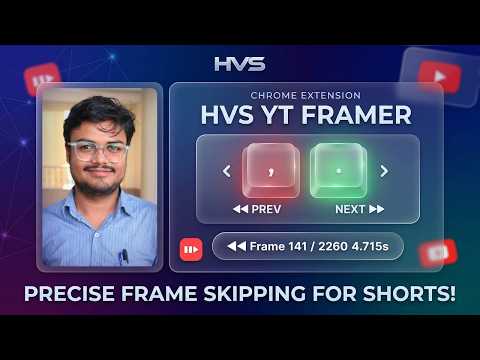
Frame-by-frame navigation for YouTube Shorts. Use , (comma) to go back and . (dot) to go forward one frame.
## HVS YT Shorts Framer YT Shorts Frame Skipper adds frame-level playback control to YouTube Shorts — a feature YouTube doesn't provide natively. Pause any Short, then use , (comma) and . (period) to step through it one frame at a time. A subtle HUD overlay shows the current frame number and timestamp so you always know exactly where you are. How to use: 1. Open any YouTube Short 2. Let it play or press Space to pause 3. Press , to go back one frame 4. Press . to go forward one frame The extension is completely inactive on all other websites and on non-Shorts YouTube pages. No data is collected, no network requests are made, and nothing is tracked. Linkedin - https://linkedin.com/in/harshvsolanki
5 out of 51 rating
Details
- Version1.0.0
- UpdatedMarch 11, 2026
- Size9.22KiB
- LanguagesEnglish
- DeveloperWebsite
Email
harshpratapsinghhh@gmail.com - Non-traderThis developer has not identified itself as a trader. For consumers in the European Union, please note that consumer rights do not apply to contracts between you and this developer.
Privacy

This developer declares that your data is
- Not being sold to third parties, outside of the approved use cases
- Not being used or transferred for purposes that are unrelated to the item's core functionality
- Not being used or transferred to determine creditworthiness or for lending purposes
Support
For help with questions, suggestions, or problems, please open this page on your desktop browser