

YouTube Transcript & Summary Prompt

Overview
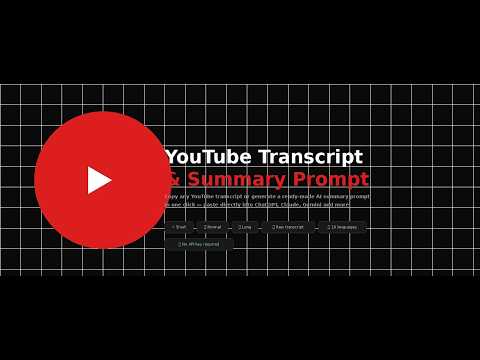
Copy any YouTube transcript or generate a ready-made AI summary prompt in one click. Lightweight and privacy-friendly.
Stop wasting time manually copying YouTube transcripts. With YouTube Transcript & Summary Prompt, one click gives you either the full transcript or a ready-made prompt to paste into your favorite AI — ChatGPT, Claude, Gemini, or any other. How it works: Click the 🎬 Transcript button on any YouTube video, then choose what you want: 📋 Copy transcript — the full raw text, ready to use ⚡ Short summary — a concise AI prompt for a quick overview 📝 Normal summary — a structured AI prompt with key ideas 📄 Long summary — a detailed AI prompt covering everything Just paste the result into your AI and you're done. Features: ✅ No API key required ✅ Works on any YouTube video with a transcript ✅ Available in 10 languages (EN, FR, ES, ZH, AR, HI, PT, DE, JA, RU) ✅ Auto-detects your browser language ✅ Hides automatically in fullscreen mode ✅ Lightweight — no data collected, no tracking
0 out of 5No ratings
Details
- Version1.2.0
- UpdatedApril 27, 2026
- Size13.86KiB
- LanguagesEnglish
- Developer
Email
haddad.b.pro@gmail.com - Non-traderThis developer has not identified itself as a trader. For consumers in the European Union, please note that consumer rights do not apply to contracts between you and this developer.
Privacy

This developer declares that your data is
- Not being sold to third parties, outside of the approved use cases
- Not being used or transferred for purposes that are unrelated to the item's core functionality
- Not being used or transferred to determine creditworthiness or for lending purposes
Support
For help with questions, suggestions, or problems, visit the developer's support site