

YouTube Transcript: AI Summary & Chat

Overview
Read any YouTube video in seconds. Find the exact moment, get the key points, or ask the video anything. Free AI credits available.
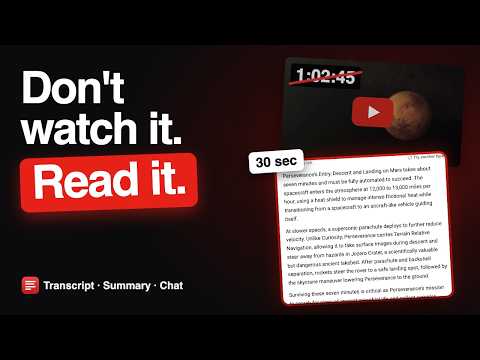
Read any YouTube video in seconds. A 47-minute lecture, a two-hour podcast, a long tutorial: you rarely need all of it. Open the video and the full transcript is already beside the player, every line timestamped, so you can read it at your own speed and skip to what matters. WHAT YOU CAN DO 🎯 Find the exact moment Search the whole video for a word, then click the line and the video jumps straight there. ✨ Get the point without watching it all An AI summary in the length and format you pick: a short paragraph, key points, or Q&A. 💬 Ask the video anything Get answers drawn from what was actually said, with the timestamp so you can check. 📋 Keep your notes Copy the transcript or summary into Notion, Obsidian or Google Docs with the formatting intact, or download it. 🌍 Read it in your language The transcript opens in your language when the video has it, and translates into any language YouTube offers. MADE FOR Students reviewing lectures, researchers working through interviews, anyone taking notes from podcasts, courses and tutorials, or looking for the one part of a long video they actually need. HOW IT WORKS 1. Add to Chrome 2. Open any YouTube video that has captions 3. The transcript is already open beside the player Summary and chat use AI credits. Free AI credits are available when you sign in with Google. PRIVACY Runs only on YouTube watch pages. It does not read your browsing history, your other tabs, or any other website. Full policy: https://getyoutubetranscript.com/extension-privacy
5 out of 55 ratings
Details
- Version1.4.2
- UpdatedOctober 13, 2026
- Size259KiB
- Languages12 languages
- DeveloperWebsite
Email
pantdeepakk5@gmail.com - Non-traderThis developer has not identified itself as a trader. For consumers in the European Union, please note that consumer rights do not apply to contracts between you and this developer.
Privacy

YouTube Transcript: AI Summary & Chat has disclosed the following information regarding the collection and usage of your data. More detailed information can be found in the developer's privacy policy.
YouTube Transcript: AI Summary & Chat handles the following:
This developer declares that your data is
- Not being sold to third parties, outside of the approved use cases
- Not being used or transferred for purposes that are unrelated to the item's core functionality
- Not being used or transferred to determine creditworthiness or for lending purposes
Support
For help with questions, suggestions, or problems, please open this page on your desktop browser