


개요
Tidy up your Youtube subscription list with tab organization features
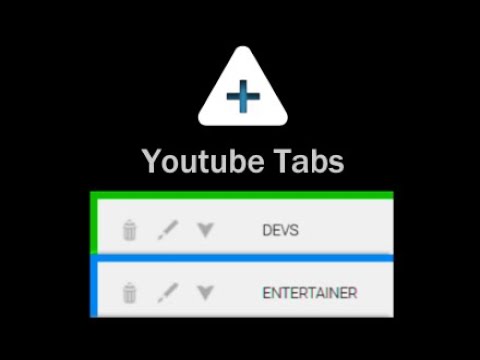
ATTENTION: YouTube appears to have recently stopped displaying all subscriptions within the sidebar. Youtube Tabs is purely a UI modification, meaning it can only organize the subscriptions it sees. Unless this changes, Youtube tabs may soon have to be sunsetted. Say no more to enormous and cumbersome lists of subscriptions. Group your subscriptions just how you want them quickly and easily directly from the sidebar! The Youtube Tabs extension builds functionality into the Youtube UI, allowing you to easily sort your subscriptions into different tabs within the side-menu of Youtube itself. • Create tabs within the subscription panel • Select and organize your subscriptions directly from the side-panel • Customize names and colors • Favorite subscriptions • Show/Hide tabs • Move tabs around to have your favorite subscriptions right where you want them • Quickly organize new subscriptions Simply install, activate, and navigate to Youtube. A help/info menu will open showing you all the functions of the extension as well as the newest updates. WARNING: This extension saves data locally and can be lost if you reset your browsing data. You can backup your tab data via the import/export buttons in the help menu (Accessible via the "?" button in the Subscriptions header). If you clear your browser's local data (or reset/uninstall your browser) without a backup copy, your tab data will be lost. Note: The functionality for this extension removes the ability to drag the scroll bar in the subscriptions panel. This is a minor inconvenience that unfortunately could not be avoided, although this may change in a future update. Currently tested on Chromium and Firefox browsers.
5점 만점에 4.1점평점 54개
세부정보
- 버전2.0.12
- 업데이트됨2024년 6월 14일
- 제공Geek Overdrive Studio
- 크기42.68KiB
- 언어English (United States)
- 개발자
이메일
grant@geekoverdrivestudio.com - 비판매자판매자로 식별되지 않은 개발자입니다. 유럽 연합에 거주하는 소비자의 경우, 이 개발자와 체결한 계약에 대해서는 소비자 권리가 적용되지 않을 수 있음을 유의해야 합니다.
개인정보 보호
개발자가 사용자 데이터에 관해 다음과 같이 선언했습니다
- 승인된 사용 사례를 제외하고 서드 파티에 판매하지 않음
- 항목의 핵심 기능과 관련 없는 목적으로 사용하거나 전송하지 않음
- 신용도 판단 또는 대출 목적으로 사용하거나 전송하지 않음
지원
질문, 제안 또는 문제와 관련하여 도움이 필요하면 데스크톱 브라우저에서 이 페이지를 여세요.