

Youtube Shorts360
1 rating
)
Overview
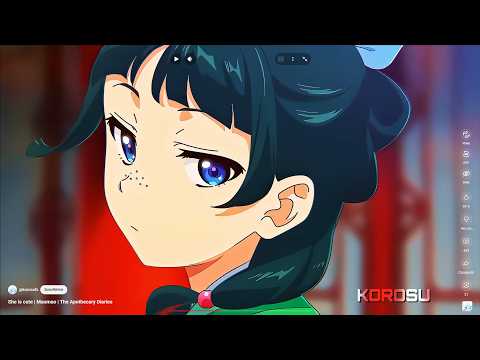
YouTube Shorts360: Adds a button to rotate shorts, hide UI, switch to a video, and control playback speed in YouTube Shorts.
Shorts360: Full Control Over YouTube Shorts Tired of the limitations of YouTube Shorts on desktop? Shorts360 gives you the freedom to watch Shorts the way you want. With simple, powerful tools, you can rotate Shorts, hide the interface, switch to the regular YouTube player, and even control playback speed. Key Features: - Rotate Shorts — Adjust orientation for better viewing on desktop or fullscreen. - Hide UI — Remove clutter and focus only on the video content. - Switch to Video — Instantly open a Short as a normal YouTube video. - Playback Speed Control — Speed button plus keyboard shortcuts (Shift + > / <). - Keyboard Shortcuts — Quick access to all features. Why install Shorts360? YouTube Shorts are designed for mobile, but on desktop they often feel restrictive. Shorts360 fixes that by giving you the freedom to watch Shorts the way you want.
5 out of 51 rating
Details
- Version1.1.1
- UpdatedFebruary 14, 2026
- Offered byAceRailgun (AngelDavidGL)
- Size111KiB
- Languages2 languages
- Developer
Email
dngelgl@gmail.com - Non-traderThis developer has not identified itself as a trader. For consumers in the European Union, please note that consumer rights do not apply to contracts between you and this developer.
Privacy

This developer declares that your data is
- Not being sold to third parties, outside of the approved use cases
- Not being used or transferred for purposes that are unrelated to the item's core functionality
- Not being used or transferred to determine creditworthiness or for lending purposes
Support
For help with questions, suggestions, or problems, visit the developer's support site