

YouTube Shorts Auto-Scroller
6 ratings
)
Overview
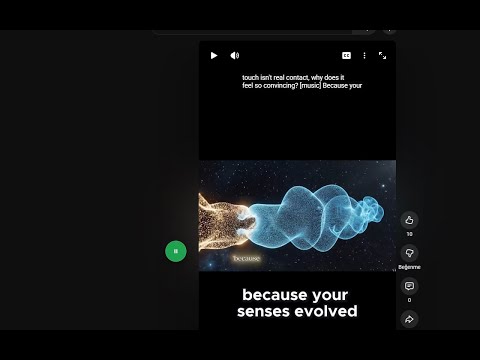
Automatically scroll to the next YouTube Short when one ends
Detailed Description Hands-free YouTube Shorts viewing! This extension automatically scrolls to the next Short immediately after the current one finishes. Perfect for cooking, exercising, or relaxing without constantly swiping. Key Features: ✅ Smart Auto-Scroll: Moves to the next video instantly. ✅ Loop Detection: Intelligently skips videos that start looping. ✅ Miniplayer Compatible (New!): Smart detection ensures auto-scroll works correctly even if you have a video open in the Miniplayer. ✅ Draggable Button: Place the Start/Stop toggle anywhere on screen. ✅ Lightweight: Runs only when needed and doesn't slow down your browser. What's New in Version 1.9: Fixed: Miniplayer conflict, the extension now correctly identifies the active Short, even if the Miniplayer is open. Fixex: restrict extension to Shorts only, improve drag threshold for button reliability Improved Loop Detection: Better handling of looping videos. Performance: Optimized for smoother scrolling.
3.7 out of 56 ratings
Details
- Version2.1
- UpdatedApril 5, 2026
- Size76.4KiB
- LanguagesEnglish
- Developer
Email
natilme@gmail.com - Non-traderThis developer has not identified itself as a trader. For consumers in the European Union, please note that consumer rights do not apply to contracts between you and this developer.
Privacy

This developer declares that your data is
- Not being sold to third parties, outside of the approved use cases
- Not being used or transferred for purposes that are unrelated to the item's core functionality
- Not being used or transferred to determine creditworthiness or for lending purposes