

YouTube Home Blocker — Focus on Your Tasks

Overview
Block the YouTube homepage feed and redirect it to any URL. Stop endless scrolling and stay focused — search & videos still work.
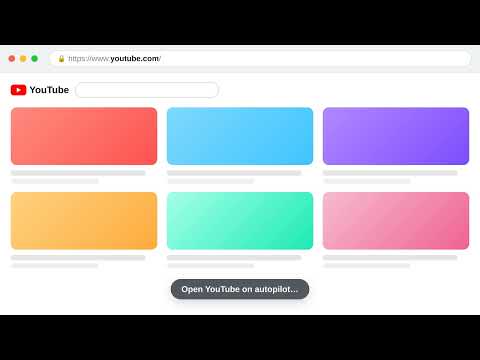
Block the YouTube homepage feed and focus on your tasks. The YouTube home feed — the endless wall of recommendations — is the single biggest time-sink on the site. YouTube Home Blocker removes it without breaking anything else. The moment you open youtube.com, you're redirected to a page of your choice: your task list, calendar, dashboard, or a blank page. Search, video pages, subscriptions and watch history all keep working exactly as normal. If you want to stop endless scrolling, avoid YouTube distractions, and use YouTube intentionally instead of falling into the recommendations rabbit hole, this is the lightest possible way to do it. FEATURES • Block the YouTube homepage feed and redirect it to any URL you set • Search, videos, subscriptions and history stay completely untouched • One-click on/off toggle in the toolbar popup when you want the feed back • A counter shows how many times it sent you back to focus • Default redirect to your Todoist Today view — change it in one click • Lightweight: no tracking, no accounts, no analytics, no data leaves your browser • Your settings sync across every Chrome browser you're signed into HOW IT WORKS 1. Click the extension icon 2. Enter the URL you want to land on instead of the YouTube feed 3. Save — that's it The redirect runs before the homepage renders, so you never even see the feed load. Your redirect URL is stored only in Chrome's sync storage and is never sent anywhere. Keywords: block youtube homepage, remove youtube feed, hide youtube home, youtube distraction blocker, stop youtube recommendations, youtube focus, productivity, digital wellbeing. Open source (MIT). Made by Iurii Rogulia
5 out of 53 ratings
Details
- Version1.5
- UpdatedJuly 7, 2026
- Size58.53KiB
- Languages55 languages
- Developer
- Non-traderThis developer has not identified itself as a trader. For consumers in the European Union, please note that consumer rights do not apply to contracts between you and this developer.
Privacy

This developer declares that your data is
- Not being sold to third parties, outside of the approved use cases
- Not being used or transferred for purposes that are unrelated to the item's core functionality
- Not being used or transferred to determine creditworthiness or for lending purposes
Support
For help with questions, suggestions, or problems, please open this page on your desktop browser