

YouTube Ad Placer
28 个评分
)
概述
Silence tab: Automatically insert ads into the silent segments of your video. To reduce chance of getting an ad marked as…
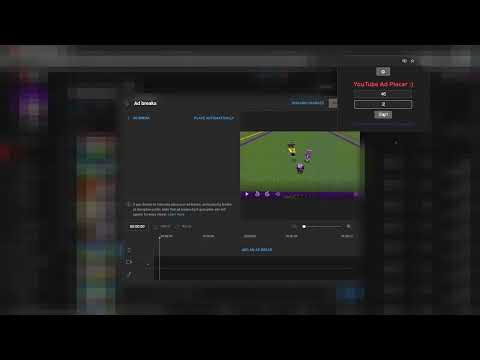
Silence tab: Automatically insert ads into the silent segments of your video. To reduce chance of getting an ad marked as interruptive. Interval tab: Automatically place ads at regular intervals throughout your video. Subtractive tab: First, use the Interval tab to add many ads (5 second interval recommended, too many could lag). After refreshing, YouTube shows which ads are interruptive. Then, the Subtractive tab lets you choose a preferred ad frequency and automatically removes disruptive (and some extra) ads to match that interval. Simple tool to automatically place ads on YouTube Studio! Input your ad interval and the tool will automatically place all your ads on YouTube studio!
4.5 星(5 星制)28 个评分
详情
- 版本1.0.5
- 上次更新日期2025年3月27日
- 提供方DashingPrune
- 大小96.74KiB
- 语言English
- 开发者
邮箱
daashingdev67@gmail.com - 非交易者该开发者尚未将自己标识为交易者。欧盟地区消费者须知:消费者权利可能不适用于您与该开发者达成的合约。
隐私权

该开发者已声明,您的数据:
- 不会因未获批准的用途出售给第三方
- 不会为实现与产品核心功能无关的目的而使用或转移
- 不会为确定信用度或放贷目的而使用或转移