


概述
Write & Respond Anywhere with Personalized AI model.
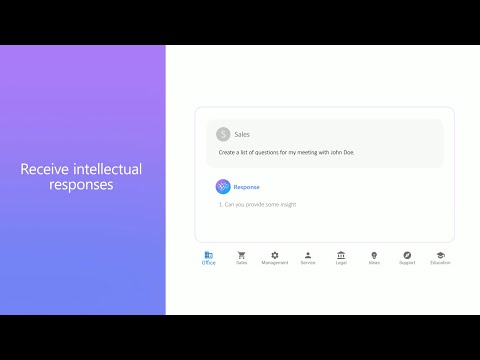
Introducing Younet chrome extension, a personalized copilot anywhere you need to write or respond! ➤ What is it? Younet is a personalized AI technology that empowers you to write or respond contextually relevant drafts, responses, ideas, and more instantly across any CRM, Email, Text Form, Google Docs, Help Desk, and various other platforms. With this extension you may connect your created AI model and always have it by your side. You'll have the ultimate assistant to tackle complex questions and tasks. Whether you need help writing emails, reading articles, or conducting smart searches, Younet AI is here to assist you. ➤ How to start? Here are some quick start tips: 1. Install the extension and click on it to Login. 2. Once you logged-in, you can now use @younet command to activate extension, the simply ask what you need to write. 3. Select any text or a question on the page you want to receive a response and click Reply with Younet or right mouse click then Reply with Younet. 4. In Gmail it’s fully integrated to use native buttons directly in the email to respond. Experience the power or AI, and take your productivity to new heights. Get started today! ➤ Is it free to use? Yes, current version of Chrome extension and all capabilities of the platform are free to use but require approval by Younet. ➤ Terms and Conditions By installing the extension, you agree to and acknowledge: www.younet.ai/terms-and-conditions www.younet.ai/terms-and-conditions#privacy-policy
5 星(5 星制)4 个评分
详情
隐私权
“Younet: Personalized AI to write & respond”已就收集和使用用户数据披露了以下信息。 如需了解详情,请查看开发者的privacy policy。
Younet: Personalized AI to write & respond会处理以下数据:
该开发者已声明,您的数据:
- 不会因未获批准的用途出售给第三方
- 不会为实现与产品核心功能无关的目的而使用或转移
- 不会为确定信用度或放贷目的而使用或转移
支持
若有任何疑问、建议或问题,请访问开发者的支持网站