


概述
Highlight Web pages; stored in your browser bookmarks, searchable, and recreated automatically when you revisit a page
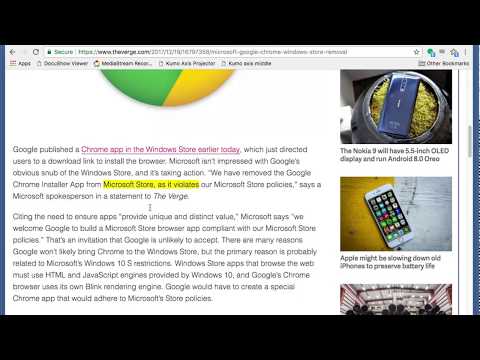
Yawas lets you highlight and comment web pages in multiple colors. Your highlights are stored in the built-in Chrome Bookmarks API (you need to check Sync if you want them to be synchronized across all your devices). Yawas automatically recreates the highlights when you reopen web pages. All functions are available from the context-menu (Ctrl-Shift-Y for Yellow) To highlight, simply select some text and choose the color from the context menu. To add a note or comment, mouse over an existing highlight and pick "Add Note" (or the keyboard shortcut -N). To recolor or delete a highlight, select some of its text and choose another color or "Delete" from the context-menu. You can also quickly search all your bookmarks with "Yawas - Search" or edit the current page's highlights using "Yawas - Edit".
3.4 星(5 星制)194 个评分
详情
隐私权

该开发者已声明,您的数据:
- 不会因未获批准的用途出售给第三方
- 不会为实现与产品核心功能无关的目的而使用或转移
- 不会为确定信用度或放贷目的而使用或转移
支持
若有任何疑问、建议或问题,请在桌面浏览器中打开此页面