

XStash

Overview
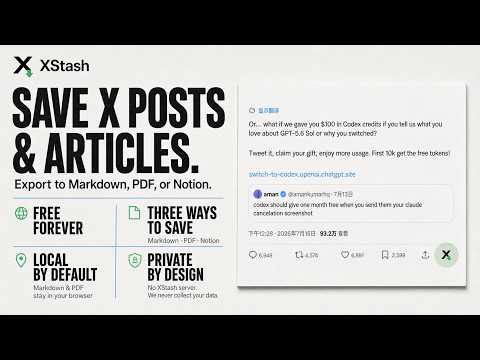
Save X posts and articles to Markdown, PDF, or your Notion workspace.
XStash helps you keep useful X posts and long-form Articles outside the timeline, in formats you control. - Export a post or Article to Markdown. - Download original-resolution images in a ZIP archive. - Create a polished A4 PDF with every content image embedded. - Save structured content directly to your own Notion workspace. - Preserve headings, lists, quotes, links, formatting, author details, and post statistics. - Process Markdown and PDF exports entirely in your browser. Choose one or more destinations in the popup. Then open an X post or Article detail page, click the XStash mark beside Share, and choose an enabled destination. Privacy: XStash has no developer-operated data server. It never sends your content, Notion token, or browsing data to us. Only when you choose Notion is the selected content sent directly from your browser to the Notion API and your own workspace. XStash is an independent tool and is not affiliated with X Corp. or Notion.
0 out of 5No ratings
Details
- Version1.0.0
- UpdatedJuly 16, 2026
- Size73.49KiB
- Languages2 languages
- Developer
Email
silmarhan@gmail.com - Non-traderThis developer has not identified itself as a trader. For consumers in the European Union, please note that consumer rights do not apply to contracts between you and this developer.
Privacy

XStash has disclosed the following information regarding the collection and usage of your data. More detailed information can be found in the developer's privacy policy.
XStash handles the following:
This developer declares that your data is
- Not being sold to third parties, outside of the approved use cases
- Not being used or transferred for purposes that are unrelated to the item's core functionality
- Not being used or transferred to determine creditworthiness or for lending purposes