


개요
XSLT test utility that supports XSLT 1.0, 2.0 and 3.0.
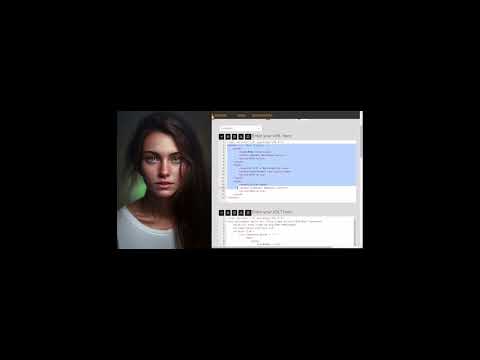
This XSLT tester is a simple tool to quickly, and easily, transform your XML using your XSLT stylesheets from code that you paste into the tester . It lets you test your XSLT XSL (eXtensible Stylesheet Language Transformation) stylesheets. Simply paste your XML and XSLT, and then click "Run Transform". Your transformation result will appear in the result area. Error messages are displayed when there are transformation errors. This tool is useful if you : - want a quick way to test your XSLTs - prototype XSLTs, and try out new ideas quickly from your browser - learn how to code XSLTs - check that your XML and XSLTs are well-formed Features: - available as an icon on your toolbar - preview transformed html in modal dialog - load your XML and XSLTs from files by using the file open buttons. - the XML/XSLT editors check that your XML and XSLTs are well-formed, and will highlight any errors. Transformation errors are shown above the result area. - the result editor will guess the mode of your transformation result, where possible, and check your result code. E.g., XML, HTML, JSON, text, etc. - the current state is remembered by your browser so your selections will apply when you open the extension again. - provides links to other tools from LinangData, the LinangData home page, and the LinangData YouTube channel
5점 만점에 0점평점 없음
세부정보
개인정보 보호

개발자가 사용자 데이터에 관해 다음과 같이 선언했습니다
- 승인된 사용 사례를 제외하고 서드 파티에 판매하지 않음
- 항목의 핵심 기능과 관련 없는 목적으로 사용하거나 전송하지 않음
- 신용도 판단 또는 대출 목적으로 사용하거나 전송하지 않음
지원
질문, 제안 또는 문제와 관련하여 도움이 필요하면 데스크톱 브라우저에서 이 페이지를 여세요.