

XPath AI Assistant | OnedaySoftware

Overview
Click webpage elements to get AI Assistant XPath
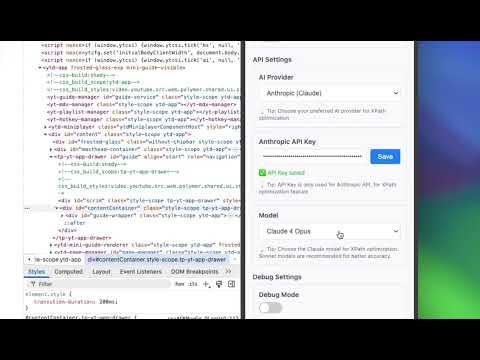
A handy Chrome extension that helps developers quickly get the XPath and HTML structure of web elements, and even optimize XPath with AI. Features 🎯Element Selection: Click any element on a webpage to get its details 📍XPath Generation: Automatically generate the full XPath path of the element 🎨Visual Feedback: Clear visual highlights when hovering or selecting elements How to Use Click the XPath Tool icon on any webpage In the popup, click Start Selecting Elements Your mouse cursor will turn into a crosshair, you’re now in selection mode Hover over elements to see the preview highlight Click any element to get its details View the following in the plugin interface: The element’s XPath Click AI Optimize XPath to improve your XPath automatically
0 out of 5No ratings
Details
- Version1.1.0
- UpdatedApril 15, 2026
- Offered byOnedaySoftware
- Size68.21KiB
- LanguagesEnglish (United States)
- Developer
Email
support@oneday.software - Non-traderThis developer has not identified itself as a trader. For consumers in the European Union, please note that consumer rights do not apply to contracts between you and this developer.
Privacy

This developer declares that your data is
- Not being sold to third parties, outside of the approved use cases
- Not being used or transferred for purposes that are unrelated to the item's core functionality
- Not being used or transferred to determine creditworthiness or for lending purposes