


Overview
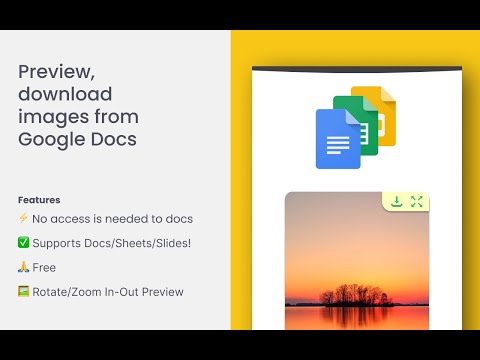
View, zoom, copy, and download images in Google Docs, Sheets, and Slides.
Google Docs Image Zoom makes it easier to find and work with images across Google Docs, Sheets, and Slides. Preview images in a larger viewer, copy them to your clipboard, download them individually, or save every image in the current file as a ZIP archive. Features: ✅ Works with Google Docs, Sheets, and Slides 🖼️ Discover images from one convenient gallery 🔍 Preview, zoom, and rotate images 📋 Copy images directly to your clipboard ⬇️ Download individual images 🗂️ Download all images as a ZIP 🎯 Jump directly to an image in the document 📊 Supports images inside and over cells in Google Sheets 🙏 Free to use How to use: Click an image in an open Google document, spreadsheet, or presentation. A small action toolbar will appear, allowing you to preview, copy, or download the selected image. To browse all available images, open the Images button in the bottom-right corner. From the gallery, you can preview, copy, download, or navigate to each image. Select “Download all” to save the images together in a ZIP file. To close the image viewer, click outside the image or use the close button. Disclaimer: Google Docs Image Zoom is an independent extension and is not affiliated with, endorsed by, or sponsored by Google LLC. Google Docs, Google Sheets, Google Slides, and related trademarks are the property of their respective owners. Use of this extension is at your own discretion.
4.7 out of 549 ratings
Details
- Version2.2.8
- UpdatedOctober 18, 2026
- Size158KiB
- LanguagesEnglish
- DeveloperWebsite
Email
younesbarraddev@gmail.com - Non-traderThis developer has not identified itself as a trader. For consumers in the European Union, please note that consumer rights do not apply to contracts between you and this developer.
Privacy

This developer declares that your data is
- Not being sold to third parties, outside of the approved use cases
- Not being used or transferred for purposes that are unrelated to the item's core functionality
- Not being used or transferred to determine creditworthiness or for lending purposes
Support
For help with questions, suggestions, or problems, please open this page on your desktop browser