

Google Docs Word Counter Plus – Live Writing Stats
Overview
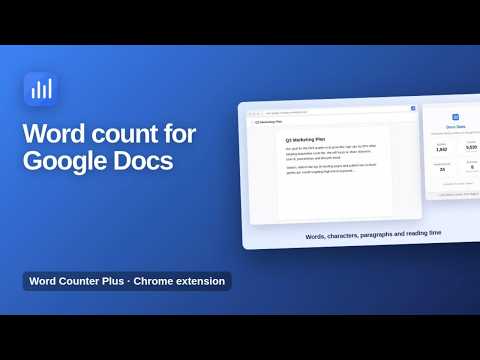
Live word count, reading time, paragraphs and characters for Google Docs, shown in a clean panel while you write.
Live word count, reading time and writing stats for Google Docs, in one click. Google Docs Word Counter Plus shows the numbers that matter while you write: words, characters, paragraphs and estimated reading time, in a clean panel next to your document. ★ Live writing stats Words, characters without spaces, paragraphs and reading time for the Google Doc you have open. ★ Perfect for word limits Essays, articles, blog posts, reports and applications: always know exactly where you stand. ★ Clean and fast Open the popup and your stats appear instantly, with no sign-in and no setup. How to use 1. Open a document in Google Docs. 2. Click the Word Counter Plus icon in the toolbar. 3. See your stats. Available in English, Spanish, Portuguese, German, French and Turkish. Private by design The extension reads the text of the Google Doc you have open only to count it, and only when you click it. Nothing is stored or sent anywhere. More information: https://www.extensions.kominikee.com/google-docs-word-counter-plus/
0 out of 5No ratings
Details
- Version1.2
- UpdatedOctober 22, 2026
- Size16.59KiB
- Languages6 languages
- DeveloperKominike DigitalWebsite
Esentepe, Büyükdere Cd. No:12 Mecidiyeköy, İstanbul 34200 TREmail
hello@kominikee.com - Non-traderThis developer has not identified itself as a trader. For consumers in the European Union, please note that consumer rights do not apply to contracts between you and this developer.
Privacy

This developer declares that your data is
- Not being sold to third parties, outside of the approved use cases
- Not being used or transferred for purposes that are unrelated to the item's core functionality
- Not being used or transferred to determine creditworthiness or for lending purposes
Support
For help with questions, suggestions, or problems, please open this page on your desktop browser