

Universal Video Speed & Volume Controller

Overview
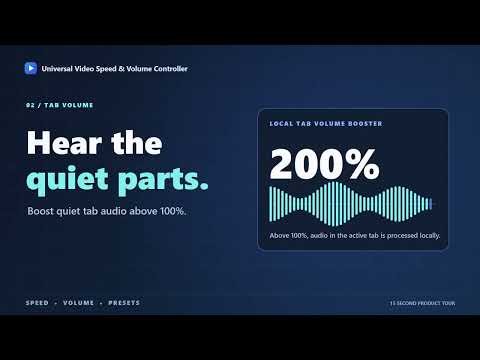
Change video speed and volume per tab, save presets, auto-apply them by site, and boost quiet tab audio above 100%.
Control HTML5 video playback speed and tab volume independently on supported websites with Universal Video Speed & Volume Controller. Save up to three presets, apply 【Features】 - Playback speed: 0.01× to 100× - Volume: adjustable from 0% to 1000% - Drag the sliders to change speed and volume - Save your current settings as a preset with one click - Automatically apply presets to websites you choose 【Privacy】 Settings, presets, and site-specific rules are stored locally in Chrome. Site rules are matched on your device. URLs, page content, audio, and browsing history are not sent to external servers or used for advertising or analytics.
0 out of 5No ratings
Details
- Version1.0
- UpdatedSeptember 26, 2026
- Offered byshou-ta
- Size50.06KiB
- LanguagesEnglish
- Developer
Email
shouta.dev26@gmail.com - Non-traderThis developer has not identified itself as a trader. For consumers in the European Union, please note that consumer rights do not apply to contracts between you and this developer.
Privacy

Universal Video Speed & Volume Controller has disclosed the following information regarding the collection and usage of your data. More detailed information can be found in the developer's privacy policy.
Universal Video Speed & Volume Controller handles the following:
This developer declares that your data is
- Not being sold to third parties, outside of the approved use cases
- Not being used or transferred for purposes that are unrelated to the item's core functionality
- Not being used or transferred to determine creditworthiness or for lending purposes