


Overview
Ask questions about your Confluence & Azure DevOps knowledge, in the browser.
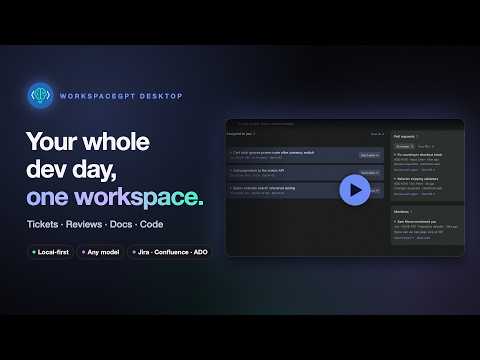
WorkspaceGPT is a coding agent that reads your Confluence pages, Jira issues and Azure DevOps work items mid-task, edits and verifies your code, and can update the docs afterwards. Your documents and search index stay on your machine, and nothing is retained on our side. This extension is the Chrome side panel for WorkspaceGPT Desktop. Ask questions about your Knowledge without leaving the tab you’re on; the page you’re reading can be included as context, and it is only ever read, never changed. Your conversations are saved in your browser. There are no API keys in the browser: the answers come from the model you set up in the desktop app. Requires WorkspaceGPT Desktop (macOS): https://www.workspacegpt.in
0 out of 5No ratings
Details
- Version0.4.0
- UpdatedOctober 13, 2026
- Size255KiB
- LanguagesEnglish
- DeveloperWebsite
Email
ritesh.kant47@gmail.com - Non-traderThis developer has not identified itself as a trader. For consumers in the European Union, please note that consumer rights do not apply to contracts between you and this developer.
Privacy

WorkspaceGPT has disclosed the following information regarding the collection and usage of your data. More detailed information can be found in the developer's privacy policy.
WorkspaceGPT handles the following:
This developer declares that your data is
- Not being sold to third parties, outside of the approved use cases
- Not being used or transferred for purposes that are unrelated to the item's core functionality
- Not being used or transferred to determine creditworthiness or for lending purposes
Support
For help with questions, suggestions, or problems, visit the developer's support site