

Whitelist All IPs for Salesforce

Обзор
Whitelist All IPs for a Salesforce organization
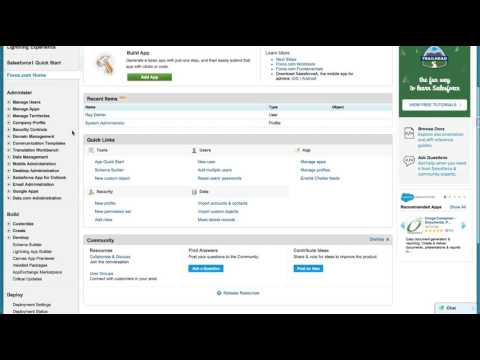
Salesforce has a great security model for 2 factor authentication and trusted systems. Sometimes, however, it can be onerous. If you want to ensure that a user can access Salesforce without requiring a verification code or security token, you need to "whitelist" their IP on Setup => Security Controls => Network Access. If you have a lot of IPs to whitelist, or you want to whitelist dynamic IPs, or you simply want to disregard this requirement altogether, enter this extension: Whitelist All IPs for Salesforce! Simply: 1) Enable this plugin 2) Navigate to Setup => Security Controls => Network Access in your Salesforce org (must be an Admin) 3) Click the Whitelist All IPs button 4) Wait! There is a progress indicator, it can take 30 seconds to 3 minutes depending on your connection. Huge credit to Moti Korets for his SFDC Debug Logs extension, which had this "hidden feature"(https://github.com/motiko/sfdc-debug-logs). By the way! This started as a homepage component, but the ability to run javascript in homepage components went away around Summer, 2015 -- hence the need for this extension.
4,7 из 524 оценки
Подробности
- Версия0.0.1
- Обновлено3 марта 2016 г.
- Размер12.68KiB
- ЯзыкиEnglish
- Разработчик
- Не продавецРазработчик не указал для себя статус продавца. Просим клиентов из Европейского союза обратить внимание, что на сделки между вами и этим разработчиком не распространяются законы о защите прав потребителей.
Конфиденциальность

Поддержка
Чтобы сообщить об ошибках в работе продукта, задать вопрос или поделиться идеями, откройте эту страницу в браузере для компьютера.