

wft-scheduler
2 ratings
)
Overview
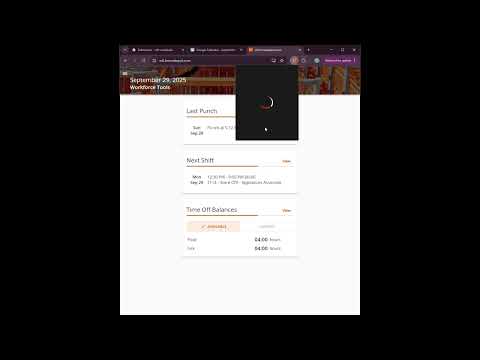
Adds your schedule from The Home Depot's Workforce Tools to Google Calendar
Never Miss a Shift: Sync Your Home Depot Schedule to Google Calendar WFT Scheduler seamlessly exports your work schedule directly into your personal Google Calendar, turning Google Calendar into your single source of truth for all your shifts and personal events. Key Features & Why You Should Install It: ✅ Instant Google Calendar Sync: Centralize your calendar by seeing your Home Depot shifts alongside your personal appointments, family calendar, and more. ✅ Smart Phone Notifications: Get instant shift reminders and alerts delivered straight to your phone (via the Google Calendar app). ✅ Easy Shift Updates: If your work schedule changes, this extension lets you quickly update your existing calendar events. ✅ Simple Sharing: Keep Others Informed. Easily grant access to your updated work calendar to family members, partners, or friends. They'll instantly know your schedule without needing to ask.
5 out of 52 ratings
Details
- Version1.0
- UpdatedOctober 1, 2025
- Offered byaademide.dev
- Size346KiB
- LanguagesEnglish
- Developer
Email
aademide.dev@gmail.com - Non-traderThis developer has not identified itself as a trader. For consumers in the European Union, please note that consumer rights do not apply to contracts between you and this developer.
Privacy

wft-scheduler has disclosed the following information regarding the collection and usage of your data. More detailed information can be found in the developer's privacy policy.
wft-scheduler handles the following:
This developer declares that your data is
- Not being sold to third parties, outside of the approved use cases
- Not being used or transferred for purposes that are unrelated to the item's core functionality
- Not being used or transferred to determine creditworthiness or for lending purposes