

WebExtension for TouchpadGestures Advanced

概述
WebExtension for TouchpadGestures Advanced
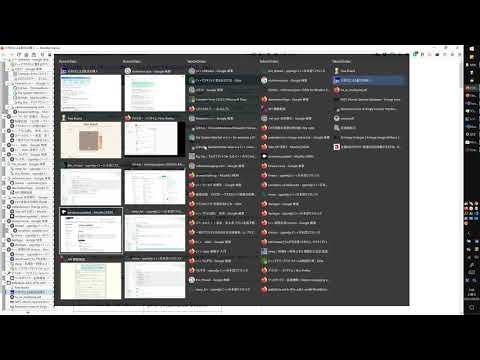
This Application was created to work with TouchpadGestures Advanced. To use this extension, you have to install TouchpadGestures Advanced software to your PC locally. https://github.com/kamektx/TouchpadGestures_Advanced # What is TouchpadGestures Advanced? This Application was created to extend the multi-fingered gesture experience of your Precision Touchpad. The standard feature of Windows 10 allows users to switch foreground windows by sliding your touchpad with three-fingers to the right. This application also allows users to switch tabs within a window with similar touchpad gestures. # What can this application do? - You can type Ctrl (+ Shift) + Tab by stroking the touchpad up and down with 3 fingers. - With WebExtension(https://github.com/kamektx/WebExtensions_for_TGA), you can switch tabs by pop-up windows. # How to Use? - This application is for Windows 10 or above. - Download the installer in Releases page. - Unzip the installer's zip. - Run "setup.exe". - Change your default touchpad gesture settings on Windows; Press start button, Go to Settings, Open "Devices", Select "Touchpad" tab, Click "Advanced gesture configuration" button, In "Configure your three finger gestures" paragraph, Set "Up" and "Down" to "Nothing". To set "Right" to "Switch apps" is recommended. - Install WebExtension for TGA.
0 星(5 星制)无评分
详情
- 版本0.2.9
- 上次更新日期2021年7月30日
- 提供方kamektx1
- 大小183KiB
- 语言English
- 开发者
邮箱
support@techchair.net - 非交易者该开发者尚未将自己标识为交易者。欧盟地区消费者须知:消费者权利可能不适用于您与该开发者达成的合约。
隐私权
该开发者已声明,您的数据:
- 不会因未获批准的用途出售给第三方
- 不会为实现与产品核心功能无关的目的而使用或转移
- 不会为确定信用度或放贷目的而使用或转移