


總覽
Web Clipper that works! The easiest way to clip text, pics, links, email and pdf from internet pages and save them.
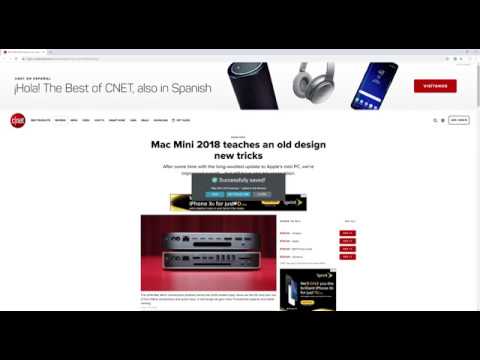
A Web Clipper that works! Grab all kinds of content from web pages. We have created a Nimbus Web Clipper, so you could save text, images, links, email addresses from the Internet. It is not just a pdf clipper! Nimbus Web Clipper is a Chrome extension that can help you save text, images, links, email addresses, and other content from web pages. Add your notes and save them to your Nimbus Note account for future references. You can easily organize your clutter with a Nimbus Note and a Web Clipper! Create a note or folder in your Nimbus Note account and save your web clipping there. Access content that you've made with a clipper even offline. Use any devices and read later files, documents, articles and so on. Do you want to save some web pages without any ads and links? Use a Web Clipper to clip the needed pages or their fragments and edit them before sending them to your Nimbus Note account. Easily delete any ads, images, or links from clipped content. Look at all you can do with Nimbus: - Capture the entire web page and store it for future use - Capture only a part of the web page - Highlight text before saving the web clipping - Add tasks to the clipping before sending it to a colleague - Clip images from a web page - Clip PDF files and annotate them before saving (a function that many PDF clippers lack) - Clip emails, including all responses and attachments (Gmail, Outlook, Mail.com, Yahoo) - Clip anything, with just one click!
3.4 分 (滿分 5 分)151 個評分
詳細資料
隱私權
「Web Clipper (Nimbus)」已揭露下列關於收集及使用資料的資訊。 如需更多詳細資訊,請參閱開發人員的《privacy policy》。
Web Clipper (Nimbus) 會處理下列資料:
這位開發者就你的資料做出下列聲明:
- 除經核准的用途外,不會將你的資料販售給第三方
- 不會基於與商品核心功能無關的目的,使用或轉移資料
- 不會為了確認信用度或基於貸款目的,使用或轉移資料
支援
如有疑問或建議,請使用電腦版瀏覽器開啟這個頁面