


Overview
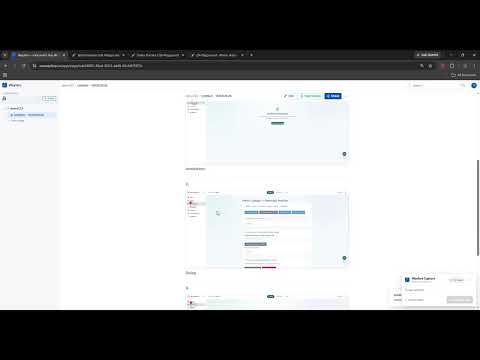
Record browser workflows and auto-generate visual step-by-step SOPs with screenshots.
Wayfare helps teams capture browser workflows and turn them into clear, step-by-step SOPs. Record clicks and actions as you work, automatically capture screenshots, edit each step, and organize everything inside a lightweight team knowledge base. With Wayfare, you can: • Capture browser workflows automatically • Create step-by-step SOPs and process documentation • Edit, reorder, or add text-only steps • Blur sensitive information in screenshots • Organize SOPs with pages, sub-pages, and tags • Keep track of changes with version history • Share documentation with teammates or external viewers • Launch interactive guides that walk internal team members through workflows directly inside the browser • Detect incorrect actions while a guide is running Wayfare is built for teams that repeatedly work inside browser-based tools and need a simple way to document, organize, share, and follow their processes. Useful for: • Employee onboarding • Operations and internal processes • Customer success and implementation • Sales and RevOps workflows • Training and internal knowledge sharing Capture the workflow once. Turn it into documentation your team can actually use.
0 out of 5No ratings
Details
- Version1.9.1
- UpdatedSeptember 4, 2026
- Size210KiB
- LanguagesEnglish
- DeveloperWebsite
Email
tronghoanghoctin@gmail.com - Non-traderThis developer has not identified itself as a trader. For consumers in the European Union, please note that consumer rights do not apply to contracts between you and this developer.
Privacy

Wayfare – SOP & Workflow Recorder has disclosed the following information regarding the collection and usage of your data. More detailed information can be found in the developer's privacy policy.
Wayfare – SOP & Workflow Recorder handles the following:
This developer declares that your data is
- Not being sold to third parties, outside of the approved use cases
- Not being used or transferred for purposes that are unrelated to the item's core functionality
- Not being used or transferred to determine creditworthiness or for lending purposes