

View HEIC
13 ratings
)
Overview
View HEIC as Normal Image in Your Browser
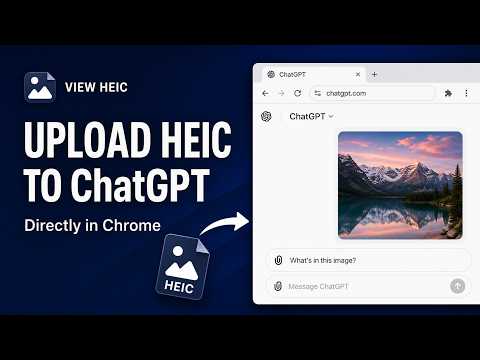
View HEIC Makes HEIC Images Work In Your Browser. Stop downloading HEIC files just to convert and inspect them. View HEIC automatically detects HEIC / HEIF images on web pages and renders them directly in place, so they behave like normal images in Chrome. And it also works fine with ChatGPT Web. Everything happens locally on your device. No uploads. No accounts. No extra setup. Why You’ll Love It - Automatically displays HEIC / HEIF images on web pages - ChatGPT Web Upload HEIC Image Support - Converts images locally to protect your privacy - Shows fast JPEG previews by default - Works with dynamically loaded images - Lightweight, open source, and easy to use Install View HEIC and make HEIC images feel native on the web.
2.8 out of 513 ratings
Details
- Version1.4.2
- UpdatedOctober 6, 2026
- Offered byvingeray
- Size2.85MiB
- LanguagesEnglish
- Developer
Email
vingeray@gmail.com - Non-traderThis developer has not identified itself as a trader. For consumers in the European Union, please note that consumer rights do not apply to contracts between you and this developer.
Privacy

View HEIC has disclosed the following information regarding the collection and usage of your data. More detailed information can be found in the developer's privacy policy.
View HEIC handles the following:
This developer declares that your data is
- Not being sold to third parties, outside of the approved use cases
- Not being used or transferred for purposes that are unrelated to the item's core functionality
- Not being used or transferred to determine creditworthiness or for lending purposes
Support
For help with questions, suggestions, or problems, visit the developer's support site