

Videolink – Screen Recording for Product and Engineering

Overview
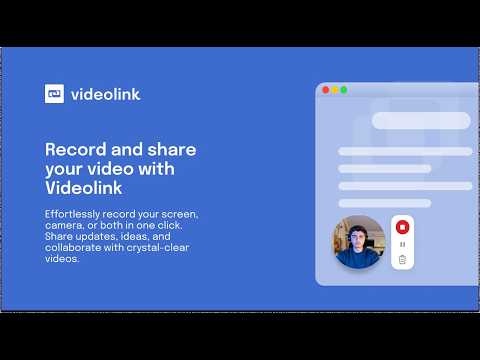
Record async videos to replace long meetings and updates. Explain bugs, show progress, and stay aligned fast.
Replace unclear PR comments and long meetings with fast, visual feedback. Videolink helps Product Managers and Engineering teams close feedback loops by adding clear visual context to issues, pull requests, and feature discussions. Record your screen or camera in one click, show exactly what you mean, and keep work moving without another meeting. Instead of "This doesn't feel right" → show what feels wrong. Instead of back-and-forth threads → share one clear video. Perfect for: - PR reviews - Bug explanations - Feature walkthrough - UX feedback - Scope clarifications Key Features: 🎥 One-click recording – screen, tab, or camera 💬 Visual PR feedback – explain changes with context 🔗 Works inside GitHub – attach videos to issues & PRs 📤 Share instantly – secure links with full control 📊 Viewer insights – know when feedback was seen 🔒 Private by default – you control access
5 out of 55 ratings
Details
- Version1.0.23
- UpdatedMay 14, 2026
- Size52.98MiB
- LanguagesEnglish
- DeveloperThe Scalable Factory B.V.Website
Goeman Borgesiuslaan 77 Utrecht 3515 ET NLEmail
engineering@scalablefactory.comPhone
+31 6 17144946 - TraderThis developer has identified itself as a trader per the definition from the European Union and committed to only offer products or services that comply with EU laws.
- D-U-N-S493429681
Privacy

Videolink – Screen Recording for Product and Engineering has disclosed the following information regarding the collection and usage of your data. More detailed information can be found in the developer's privacy policy.
Videolink – Screen Recording for Product and Engineering handles the following:
This developer declares that your data is
- Not being sold to third parties, outside of the approved use cases
- Not being used or transferred for purposes that are unrelated to the item's core functionality
- Not being used or transferred to determine creditworthiness or for lending purposes
Support
For help with questions, suggestions, or problems, visit the developer's support site