


Overview
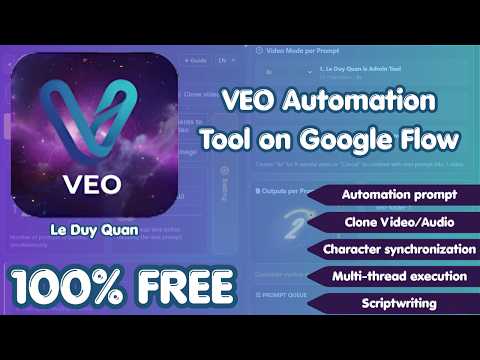
100% Free! For all Google Flow accounts, subscribed or not. Auto videos/images, multi-thread prompts, Vid/Audio clone & AI scripts.
VEO Automation — Create More with Google Flow VEO Automation is a free side-panel extension for organizing video and image workflows in Google Flow. It works with Google Flow accounts with or without a subscription. Its redesigned V2 interface brings prompt queues, generation settings, progress tracking, and downloads into one workspace. Key features: - Batch prompt automation: Run multiple prompts with configurable concurrency, random delays, and 1–4 outputs per prompt. - Five creation modes: Text to Video, Frame to Video, Ingredients to Video, Text to Image, and Ingredients to Image. - Prompt imports: Load prompts from `.txt`, `.csv`, or `.xlsx` files, then review and edit them before running. - Live progress: Follow each prompt through submission, generation, and download. Stop a queue when needed and see errors for prompts that cannot complete. - Organized downloads: Save results to a chosen subfolder with optional automatic file naming. Available download resolutions depend on the source result and the options offered by Google Flow. - Creative tools: Build AI-assisted scripts, create scripts from notes, and develop prompts from audio or video sources. - Flexible settings: Choose supported video and image models, aspect ratios, duration, generation resolution, download quality, and retry behavior. - Multilingual controls: Use the main interface in English, Vietnamese, Chinese, Japanese, Korean, Spanish, French, German, Portuguese, or Hindi. VEO Automation is an independent productivity tool and is not an official Google product. Google Flow access, credits, models, and available output quality depend on your Google account and Google Flow’s current options.
0 out of 5No ratings
Details
- Version2.0.0
- UpdatedOctober 23, 2026
- Size1009KiB
- LanguagesEnglish
- DeveloperWebsite
Email
leduyquan2574@gmail.com - Non-traderThis developer has not identified itself as a trader. For consumers in the European Union, please note that consumer rights do not apply to contracts between you and this developer.
Privacy

This developer declares that your data is
- Not being sold to third parties, outside of the approved use cases
- Not being used or transferred for purposes that are unrelated to the item's core functionality
- Not being used or transferred to determine creditworthiness or for lending purposes