


Overview
Use speech recognition to convert your voice to text on any tab without typing
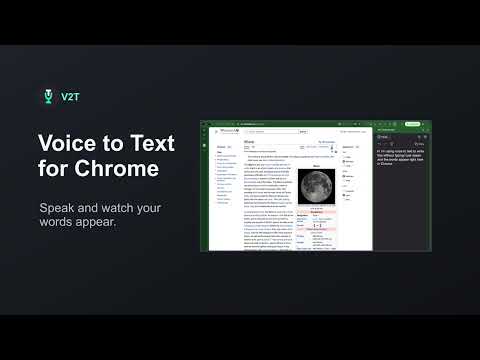
Free voice-to-text dictation in the Chrome side panel. Turn your voice into notes, messages, ideas and drafts using Chrome’s built-in speech recognition. Open Voice to Text from the toolbar, dictate alongside the page you’re on, and copy your text wherever you need it. ✅ Free to use, with no ads or extension-imposed usage limits ✅ Start, Pause, Resume and Copy with simple controls ✅ Dictate in multiple languages ✅ Your transcript is saved between sessions ✅ Undo and redo changes, even after clearing your transcript What’s new in 1.11.0 • Dictate in the side panel while keeping your current page in view. • Get started with guided microphone setup and language selection. • See when dictation is listening or paused, and read longer transcripts with text that adjusts to fit the panel. • Keep more of what you said when Chrome drops an unfinished phrase. You can turn phrase preservation off in Settings.
3.5 out of 536 ratings
Details
- Version1.11.0
- UpdatedNovember 20, 2026
- Size142KiB
- Languages24 languages
- DeveloperWebsite
Email
artrayd@gmail.com - Non-traderThis developer has not identified itself as a trader. For consumers in the European Union, please note that consumer rights do not apply to contracts between you and this developer.
Privacy

V2T: Voice To Text has disclosed the following information regarding the collection and usage of your data. More detailed information can be found in the developer's privacy policy.
V2T: Voice To Text handles the following:
This developer declares that your data is
- Not being sold to third parties, outside of the approved use cases
- Not being used or transferred for purposes that are unrelated to the item's core functionality
- Not being used or transferred to determine creditworthiness or for lending purposes
Support
For help with questions, suggestions, or problems, please open this page on your desktop browser