


Overview
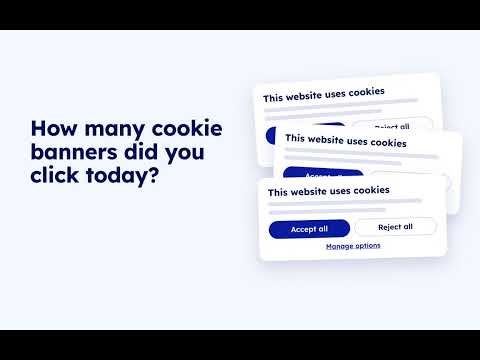
Nooit meer cookiebanners! Upod vult ze automatisch voor je in op basis van jouw voorkeuren.
Zo werkt het Maak in 2 minuten een Upod aan en stel je cookievoorkeuren in. Vanaf dat moment herkent Upod cookiebanners zodra ze verschijnen en vult ze voor je in. Jij houdt de controle Per cookiecategorie bepaal je zelf wat je toestaat. Upod volgt jouw voorkeuren en je kunt deze altijd weer aanpassen. Upod kan meer Op elke website met een herkende cookiebanner regelt Upod automatisch jouw toestemming. Op sommige websites kun je ook zelf bepalen welke persoonlijke gegevens je aan de website laat zien. Je herkent deze websites aan het Upod-logo, meestal linksonder in beeld. Upod werkt al op een groeiend aantal Nederlandse websites, en er komen continu nieuwe bij. Let op: bij het installeren van Upod kan Chrome een veiligheidswaarschuwing tonen. Dit is normaal voor nieuwe extensies en betekent niet dat Upod onveilig is of data verzamelt. Integendeel: met Upod heb jij zelf volledige controle over jouw data. Je kunt Upod dus zonder risico installeren.
5 out of 56 ratings
Details
- Version1.8.12
- UpdatedOctober 27, 2026
- Size877KiB
- Languages2 languages
- DeveloperWebsite
Email
tools@utonomy.eu - Non-traderThis developer has not identified itself as a trader. For consumers in the European Union, please note that consumer rights do not apply to contracts between you and this developer.
Privacy

Upod has disclosed the following information regarding the collection and usage of your data. More detailed information can be found in the developer's privacy policy.
Upod handles the following:
This developer declares that your data is
- Not being sold to third parties, outside of the approved use cases
- Not being used or transferred for purposes that are unrelated to the item's core functionality
- Not being used or transferred to determine creditworthiness or for lending purposes
Support
For help with questions, suggestions, or problems, visit the developer's support site