

TubeFinder

Overview
Quick YouTube search with Ctrl+Y
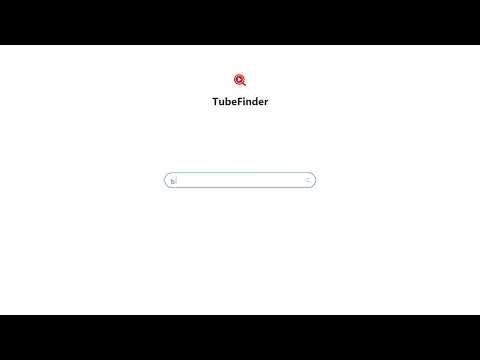
TubeFinder – Recherchez YouTube instantanément, sans quitter votre onglet. Fonctionnalités : Raccourci clavier instantané (Ctrl+Y ou Cmd+Y sur Mac) pour ouvrir la recherche. Interface minimaliste et sans distraction. Détection automatique de la langue (français/anglais). Accès direct à YouTube en cliquant sur le logo. Panneau de paramètres (Ctrl+Alt+Y) pour choisir la langue. Ultra-léger : pas de processus en arrière-plan, pas de collecte de données. Compatibilité : Fonctionne sur Chrome, Firefox, Edge et Safari. Comment l’utiliser : Appuyez sur Ctrl+Y (ou Cmd+Y sur Mac) pour ouvrir TubeFinder. Tapez votre recherche. Appuyez sur Entrée : les résultats s’ouvrent dans un nouvel onglet. Confidentialité : Aucune donnée n’est collectée.
0 out of 5No ratings
Details
- Version3.0
- UpdatedFebruary 20, 2026
- Size56.45KiB
- LanguagesEnglish
- Developer
Email
polimicerandom76680@gmail.com - Non-traderThis developer has not identified itself as a trader. For consumers in the European Union, please note that consumer rights do not apply to contracts between you and this developer.
Privacy

This developer declares that your data is
- Not being sold to third parties, outside of the approved use cases
- Not being used or transferred for purposes that are unrelated to the item's core functionality
- Not being used or transferred to determine creditworthiness or for lending purposes