


Overview
Ultra-lightweight in-place input translator using Chrome built-in AI (Press Alt+R to translate)
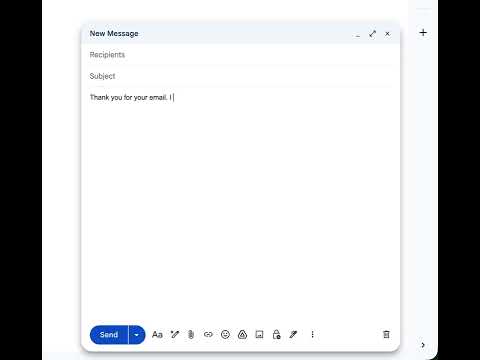
Translate text directly inside any web input field with a single keyboard shortcut. translator-lite eliminates the need to switch tabs or copy-paste text into external translation tools. Simply write in your native language inside any web text box and press Alt+R (Mac: Option+R) to immediately replace your text with the translated output. Key Features: Universal in-place translation across inputs, textareas, and rich web editors (including Notion, Slack, and social media) Preserves your browser undo history (Ctrl+Z / Cmd+Z) Clean, centered toolbar indicator displaying your active source and target languages Powered by on-device local intelligence with zero tracking Minimalist Mono Black interface designed for high focus How to Use: Click any text field, search bar, comment box, or editor on any website. Type your sentence. Press Alt+R (Option+R on macOS). Your text is instantly translated in-place. Privacy and Permissions: translator-lite does not track your browsing history or collect personal data. Translations are processed locally on your device whenever supported, and your preferences are saved locally to your browser storage.
0 out of 5No ratings
Details
- Version1.0.0
- UpdatedOctober 15, 2026
- Size25.17KiB
- LanguagesEnglish
- DeveloperWebsite
Email
jasonproject628@gmail.com - Non-traderThis developer has not identified itself as a trader. For consumers in the European Union, please note that consumer rights do not apply to contracts between you and this developer.
Privacy

This developer declares that your data is
- Not being sold to third parties, outside of the approved use cases
- Not being used or transferred for purposes that are unrelated to the item's core functionality
- Not being used or transferred to determine creditworthiness or for lending purposes