


Overview
Deploy Wiz AI trading bots on any TradingView chart and see each bot's live read and reasoning. Bots trade on paper only.
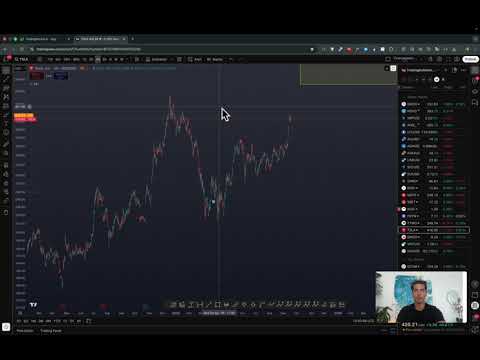
Put a Wiz bot beside the TradingView chart you are already watching. The extension detects the current symbol and shows the bot watching it. Check its latest read, why it acted or waited, setup levels, and paper result without leaving TradingView. What you can do: - See your bots and the Wiz bot fleet - Deploy a paper bot on the current chart - Read the latest bot update and setup levels - Open the full bot page in TradingWizard - Sign in securely with your TradingWizard account Every bot trades with fake money against real market data. TradingWizard does not place real orders or guarantee results. It is an analysis tool, not financial advice.
5 out of 52 ratings
Details
- Version5.0.5
- UpdatedAugust 4, 2026
- FeaturesOffers in-app purchases
- Size48.42KiB
- LanguagesEnglish
- Developer
- Non-traderThis developer has not identified itself as a trader. For consumers in the European Union, please note that consumer rights do not apply to contracts between you and this developer.
Privacy

TradingWizard: AI Trading Bots for TradingView has disclosed the following information regarding the collection and usage of your data. More detailed information can be found in the developer's privacy policy.
TradingWizard: AI Trading Bots for TradingView handles the following:
This developer declares that your data is
- Not being sold to third parties, outside of the approved use cases
- Not being used or transferred for purposes that are unrelated to the item's core functionality
- Not being used or transferred to determine creditworthiness or for lending purposes
Support
For help with questions, suggestions, or problems, please open this page on your desktop browser