

Thursday

Overview
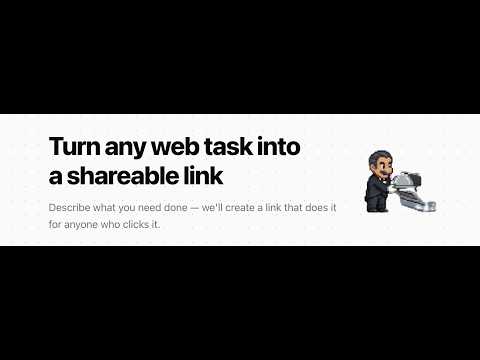
Automate any web task with a shareable link. An AI agent runs in your browser to complete tasks for you.
Thursday automates any web task with a shareable link. Describe what you need done — signing up for a service, booking an appointment, filling out a form — and Thursday creates a link. When someone clicks it, an AI agent takes over their browser and completes the task for them, step by step. No cloud browser, no screen sharing. The agent works directly in your real Chrome browser, so all your logins, cookies, and accounts stay exactly where they are. When the agent needs personal information like an email address or password, it pauses and asks you directly through a clean overlay — it never guesses or stores anything without your permission. Thursday remembers what you've shared before, so it only asks once. Whether you're helping your parents sign up for Zoom, onboarding a teammate onto a new tool, or automating repetitive workflows for yourself, Thursday turns hours of "click here, then type this" into a single link. Built on the Chrome DevTools Protocol and powered by Browser Use, Thursday connects a server-side AI agent to your local browser through a lightweight relay. It works on Chrome, Edge, Brave, and Arc. Just install the extension, click a Thursday link, and watch it work.
0 out of 5No ratings
Details
- Version1.0.0
- UpdatedMarch 19, 2026
- Offered byayushkumaracc
- Size140KiB
- LanguagesEnglish
- DeveloperAyush Kumar
Hulme Hall, Oxford Place, Victoria Park Manchester M14 5RR GBEmail
ayushkumaracc@gmail.com - Non-traderThis developer has not identified itself as a trader. For consumers in the European Union, please note that consumer rights do not apply to contracts between you and this developer.
Privacy

Thursday has disclosed the following information regarding the collection and usage of your data. More detailed information can be found in the developer's privacy policy.
Thursday handles the following:
This developer declares that your data is
- Not being sold to third parties, outside of the approved use cases
- Not being used or transferred for purposes that are unrelated to the item's core functionality
- Not being used or transferred to determine creditworthiness or for lending purposes
Support
For help with questions, suggestions, or problems, visit the developer's support site