

TFSPlugin

Overview
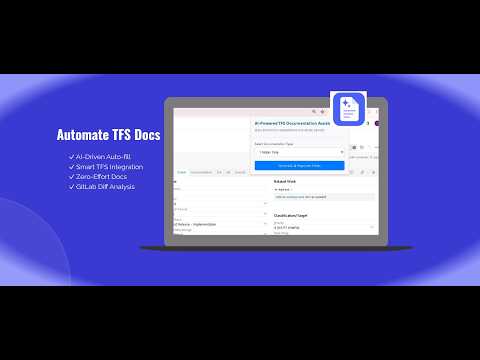
Automates mandatory TFS documentation fields using AI and GitLab commit diffs to accelerate case closure.
Overview The TFS Documentation Assistant is a powerful productivity extension designed to eliminate the manual overhead associated with documenting development work in Azure DevOps. By leveraging internal AI and automated code analysis, the extension transforms hours of manual documentation into a single-click process. Key Features Intelligent Documentation: Automatically summarizes case logs, comments, and development history into professional-grade documentation. Automated Code Review: Scans linked GitLab commits and extracts raw source modifications to provide the AI with deep contextual understanding of the changes made. Streamlined Workflow: Automatically populates mandatory fields, transitions ticket states (e.g., to "50 - Documentation"), and triggers automatic page refreshes to finalize your work. Theme Support: Choose between a sleek modern UI or a retro terminal interface for a customized developer experience. Technical Implementation The Documentation Assistant is built as a Chromium Manifest V3 extension utilizing an asynchronous message-passing architecture across three isolated runtime environments to securely bypass CORS limitations and automate workflow mutations. Extraction & Harvesting (popup.js + TfsClient.js): The popup captures the ticket ID and dynamically injects TfsClient.js into the active TFS tab context. Running inside the page, TfsClient queries the TFS REST API to harvest text data (Title, Description, Area Path, Comments) and extracts Git commit links from the HTML code-review fields. CORS-Bypassing Code Fetch (background.js + GitLabClient.js): Because the webpage context is restricted by standard cross-origin security (CORS), the harvested commit links are passed to the background service worker. Leveraging elevated extension host permissions and your personal token, GitLabClient.js concurrently fetches the raw .diff source modifications directly from GitLab. LLM Synthesis & Automation (ChatBotClient.js): The consolidated ticket fields, logs, and code diffs are formatted into a structured engineering prompt. The background script sends this to the internal AI core via ChatBotClient.js. The resulting structured JSON documentation payload is injected back into the TFS UI elements to fill fields, update tracking states, and trigger a clean page refresh.
0 out of 5No ratings
Details
- Version1.0
- UpdatedJune 26, 2026
- Offered bydariusz.cieslak.developer
- Size39.38KiB
- LanguagesEnglish
- Developer
Email
dariusz.cieslak.developer@gmail.com - Non-traderThis developer has not identified itself as a trader. For consumers in the European Union, please note that consumer rights do not apply to contracts between you and this developer.
Privacy

This developer declares that your data is
- Not being sold to third parties, outside of the approved use cases
- Not being used or transferred for purposes that are unrelated to the item's core functionality
- Not being used or transferred to determine creditworthiness or for lending purposes
Support
For help with questions, suggestions, or problems, please open this page on your desktop browser