

Texport

Overview
Smart DOM-navigation text extractor and exporter
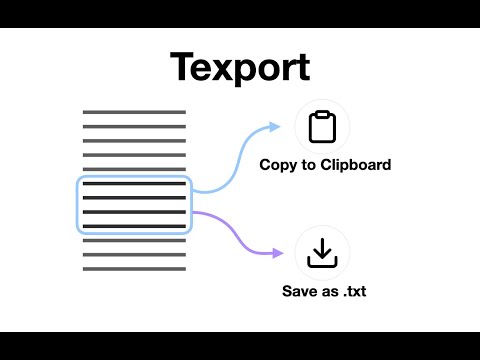
Texport — Simple Webpage Text Extractor It helps you grab text from specific areas of a webpage. Instead of using "Select All" and ending up with messy ads or menus, you can pick exactly what you need. How to use - Hover to select: See exactly which element you are picking with a visual highlight. - Refine area: Use Arrow Up/Down to navigate the page hierarchy and expand or shrink your selection. - Quick export: Click to copy the text to your clipboard or download it as a .txt file. - Keyboard toggle: Use Cmd/Ctrl + Shift + X to turn the tool on and off instantly. Privacy & Simplicity - 100% Local: All processing happens entirely within your browser. - No Data Collection: We don’t track you, and your data never leaves your machine. - No Fluff: No accounts, no ads, and no background tracking—just the tool.
0 out of 5No ratings
Details
- Version1.5.0
- UpdatedDecember 29, 2025
- Offered bypixie.dev
- Size58.43KiB
- LanguagesEnglish (United States)
- DeveloperGwangjin-gu Gwangjin-gu, Seoul 05091 KR
Email
yttpixie@gmail.com - Non-traderThis developer has not identified itself as a trader. For consumers in the European Union, please note that consumer rights do not apply to contracts between you and this developer.
Privacy

This developer declares that your data is
- Not being sold to third parties, outside of the approved use cases
- Not being used or transferred for purposes that are unrelated to the item's core functionality
- Not being used or transferred to determine creditworthiness or for lending purposes
Support
For help with questions, suggestions, or problems, please open this page on your desktop browser