

Terra Translate — Image Translator

Overview
Hover any image and click the Terra icon to translate it in-place using your Terra Translate account.
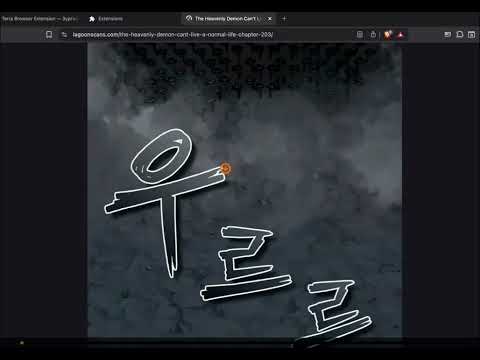
Terra Translate turns any image on the web into readable text in your language — without leaving the page. Hover over any image, click the floating Terra icon (or press Ctrl+D), and the translated version appears in place of the original. Use Alt+Shift+B to translate every image on the current page at once. Perfect for manga, webtoons, comics, screenshots, restaurant menus, street signs, product packaging, and scanned documents. KEY FEATURES • One-click in-place image translation on any website • Batch translate every image on a page with a single shortcut • Right-click context menu for quick access • Popup for managing recent translations • Works on dynamic sites — re-detects images as the page updates • Original image is preserved and can be restored at any time • Supports 20+ languages including English, Mongolian, Japanese, Korean, Chinese
0 out of 5No ratings
Details
- Version1.4.9
- UpdatedJune 18, 2026
- Offered byterra-translate.site
- Size183KiB
- LanguagesEnglish
- Developer
Email
terratranslatorsupport@gmail.com - Non-traderThis developer has not identified itself as a trader. For consumers in the European Union, please note that consumer rights do not apply to contracts between you and this developer.
Privacy

Terra Translate — Image Translator has disclosed the following information regarding the collection and usage of your data. More detailed information can be found in the developer's privacy policy.
Terra Translate — Image Translator handles the following:
This developer declares that your data is
- Not being sold to third parties, outside of the approved use cases
- Not being used or transferred for purposes that are unrelated to the item's core functionality
- Not being used or transferred to determine creditworthiness or for lending purposes
Support
For help with questions, suggestions, or problems, please open this page on your desktop browser