


概述
Talking Calendar Reminder - Never miss anything.
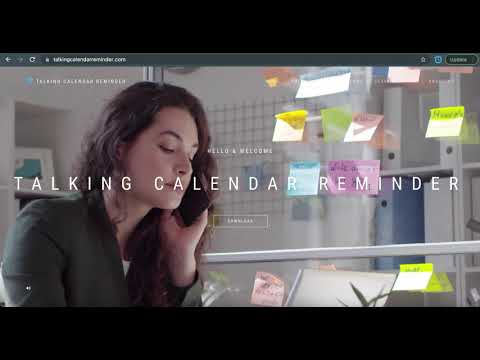
Talking Calendar Reminder is an A.I based Chrome Extension that utilizes voice to remind you of upcoming meetings, events and to do lists. • It reads relevant information directly from both Google Calendars and Microsoft Outlook Calendars without any additional configuration steps from you. • Once the Talking Calendar Reminder extension is installed and open, it will speak out loud the reminders 15, 10, 5 minutes before event starts and speak out when time comes. • It is ideally suited for busy professionals who work in office and with computers and who never want to miss any important meetings ever again. • Instead of hearing those simple and boring doorbell sound, now you can enjoy listening to a personal voice that speaks to you in a meaningful way. We are Microsoft Partner and verified by Google. For more information and how-to videos, please visit us at https://talkingcalendarreminder.com. Thank you and hope this extension will be helpful to your life.
3.8 星(5 星制)10 个评分
详情
隐私权
该开发者已声明,您的数据:
- 不会因未获批准的用途出售给第三方
- 不会为实现与产品核心功能无关的目的而使用或转移
- 不会为确定信用度或放贷目的而使用或转移
支持
若有任何疑问、建议或问题,请在桌面浏览器中打开此页面