

Tab Gallery
2 ratings
)
Overview
A visual tab manager that shows previews of all your tabs in one page.
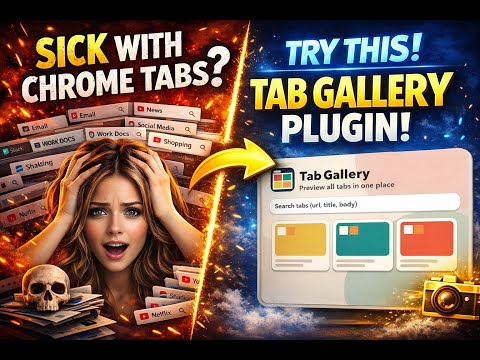
Tab Gallery is a visual tab manager that opens in a compact Chrome popup (like Google Translate). See all open tabs as crisp previews, jump to any tab instantly, and close tabs in one click. Filter your tabs and batch move or close the results in one step. Default shortcut : Ctrl+B or Cmd+B Highlights: - Popup UI: open from the toolbar icon, no extra windows or tabs. - High-resolution previews: 2560x1440 thumbnails cached per tab. - Smart order: most recently active tabs appear first. - Fast search: URL > title > page body text. Also support boolean query using 'and' / 'or' keyword. - Full URL display: decoded URLs with highlighted query values. - Quick actions: click a card to switch, use the x button to close. - Operations bar: when a search filters tabs, move or close the matched set. How it works: - Captures the visible tab when needed and stores previews locally. - Reads plain text from the page body (no HTML tags) for search. - Updates the grid live as you browse. Notes: - Some internal pages (chrome://, extension pages) cannot be read or captured. - Body text is cached after a tab is seen; inactive/discarded tabs may need activation once.
5 out of 52 ratings
Details
- Version1.0.1
- UpdatedJanuary 16, 2026
- Size18.31KiB
- LanguagesEnglish (United States)
- Developer
Email
ronnieinus@gmail.com - Non-traderThis developer has not identified itself as a trader. For consumers in the European Union, please note that consumer rights do not apply to contracts between you and this developer.
Privacy

This developer declares that your data is
- Not being sold to third parties, outside of the approved use cases
- Not being used or transferred for purposes that are unrelated to the item's core functionality
- Not being used or transferred to determine creditworthiness or for lending purposes
Support
For help with questions, suggestions, or problems, visit the developer's support site