


概述
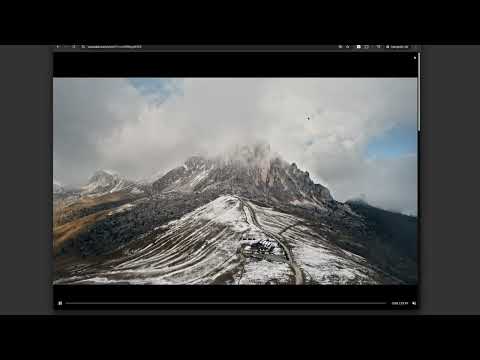
Watch YouTube, Twitch & any video fullscreen in your browser tab. Theater mode without hiding taskbar. Press F to toggle.
WATCH VIDEOS IN WINDOWED FULLSCREEN Expand any video to fill your browser tab without going into native fullscreen. Keep your taskbar visible, switch tabs easily, and enjoy a distraction-free viewing experience. KEY FEATURES • Tab Fullscreen Mode — Video fills your browser tab, not your entire screen • Universal Compatibility — Works on popular video platforms like youtube, twitch and any site with HTML5 video • Simple Toggle — Press 'F' to activate, press again or ESC to exit • Custom Site Support — Add selectors for sites with unique video players • Lightweight — No bloat, no tracking, works offline KEYBOARD SHORTCUTS • F — Toggle windowed fullscreen • ESC — Exit fullscreen • SPACE — Play/Pause PERFECT FOR • Multi-monitor setups where native fullscreen interrupts your workflow • Watching content while keeping other windows accessible • Users who prefer windowed viewing over full desktop takeover PRIVACY This extension operates entirely locally. No data is collected, stored, or transmitted. Your viewing habits remain private. HOW TO USE 1. Go to any page with a video 2. Press 'F' on your keyboard 3. The video expands to fill your tab 4. Press 'F' or ESC to return to normal view WHAT'S NEW IN v1.3 • Improved video detection for modern web players • Custom progress bar with seeking support • Better audio synchronization • Support for videos in shadow DOM elements Questions? Contact support@korchix.com
5 星(5 星制)2 个评分
详情
隐私权
该开发者已声明,您的数据:
- 不会因未获批准的用途出售给第三方
- 不会为实现与产品核心功能无关的目的而使用或转移
- 不会为确定信用度或放贷目的而使用或转移
支持
若有任何疑问、建议或问题,请访问开发者的支持网站