

Switch Last Tab
5 ratings
)
Overview
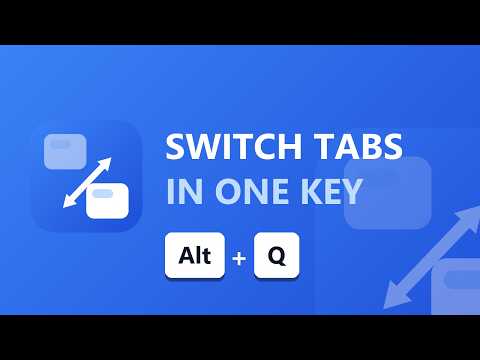
Switch to the last active tab with Alt+Q — even across windows.
Switch Last Tab lets you instantly jump back to your previous tab with one keystroke — Alt+Q. Press it again to jump back. It's Alt+Tab, but for your Chrome tabs, and it works even across multiple windows. FEATURES • One-key switching: Alt+Q toggles between your two most recent tabs • True recent-tab memory — reliable back-and-forth, powered by real most-recently-used ordering that survives Chrome suspending the extension • Works across multiple browser windows • Tab search palette: click the toolbar icon to search every open tab by title or URL, navigate with ↑↓ + Enter, close tabs with × • Light & dark theme support • 100% private — no tracking, no data collection, nothing leaves your browser • Lightweight Manifest V3, minimal permissions ⚙️ QUICK SETUP (one time, takes 20 seconds) Chrome sometimes doesn't auto-assign the shortcut, so after installing: 1. Open chrome://extensions/shortcuts 2. Find "Switch Last Tab" 3. Click the shortcut box and press Alt+Q 4. Done! Press Alt+Q to jump to your previous tab — press again to jump back. If Alt+Q shows a conflict, another extension is using it — remove it there or pick a different combo like Alt+Shift+Q. Perfect for developers, researchers, writers, and anyone juggling many tabs.
4.4 out of 55 ratings
Details
- Version2.0
- UpdatedJuly 8, 2026
- Size22.17KiB
- LanguagesEnglish
- Developer
Email
nomanjaved2011@gmail.com - Non-traderThis developer has not identified itself as a trader. For consumers in the European Union, please note that consumer rights do not apply to contracts between you and this developer.
Privacy

This developer declares that your data is
- Not being sold to third parties, outside of the approved use cases
- Not being used or transferred for purposes that are unrelated to the item's core functionality
- Not being used or transferred to determine creditworthiness or for lending purposes