


Overview
Capture workflows with screenshots. Create step-by-step docs. Export to Word, PDF, HTML, Markdown, PPT. Data stored locally.
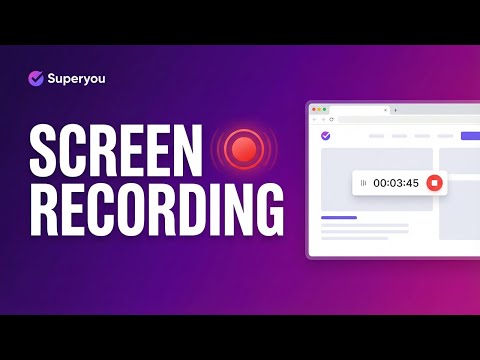
Superyou - Advanced Documentation Transform the way you create documentation. Superyou automatically captures your workflows as you work, generating professional step-by-step guides with screenshots in seconds. Key Features: 📷 Automatic Screenshot Capture - Click anywhere and Superyou captures the screen with intelligent annotations highlighting exactly what you clicked. 🎬 Screen Recording - Record your entire workflow as a video with audio support. Perfect for tutorials and training materials. ✏️ Smart Annotations - Automatically detects and highlights buttons, links, and form fields you interact with. Add custom annotations, arrows, and text. 📝 Real-Time Text Detection - Captures the actual text of elements you click, creating accurate "Click on [Button Name]" instructions automatically. 🔄 Drag & Drop Reordering - Easily rearrange, duplicate, or delete steps. Add manual steps anywhere in your workflow. 📁 Multiple Export Formats - Export your documentation to: • Microsoft Word (.docx) • PDF • HTML • Markdown • PowerPoint (.pptx) 🎨 Professional Output - Clean, branded documentation with consistent formatting, numbered steps, and high-quality screenshots. ⌨️ Keyboard Shortcuts - Work faster with shortcuts: • Ctrl+Shift+F: Capture full page • Ctrl+Shift+S: Capture selected area • Ctrl+Shift+R: Record screen Perfect For: • Creating SOPs and training materials • Documenting software processes • Building user guides and tutorials • Onboarding new team members • Technical documentation • Bug reports with visual context 🔒 PRIVACY-FIRST DESIGN: • All data stored locally on your device - nothing sent to external servers • Password fields are NEVER captured or recorded • No account required - works completely offline • You control your data - view, edit, and delete anytime • No tracking or analytics on your workflow content Privacy First: All processing happens locally in your browser. Your screenshots and data never leave your device. Start capturing smarter documentation today - no account required, completely free to use.
5 out of 57 ratings
Details
- Version6.0.6
- UpdatedJanuary 27, 2026
- Size885KiB
- LanguagesEnglish
- DeveloperWebsite
Email
misbatheonee@gmail.com - Non-traderThis developer has not identified itself as a trader. For consumers in the European Union, please note that consumer rights do not apply to contracts between you and this developer.
Privacy

This developer declares that your data is
- Not being sold to third parties, outside of the approved use cases
- Not being used or transferred for purposes that are unrelated to the item's core functionality
- Not being used or transferred to determine creditworthiness or for lending purposes
Support
For help with questions, suggestions, or problems, visit the developer's support site