

StampThat: Prevent Scammers from Stealing your Identity
2 ratings
)
Overview
Protect yourself from Identity Theft by using Stamp That!
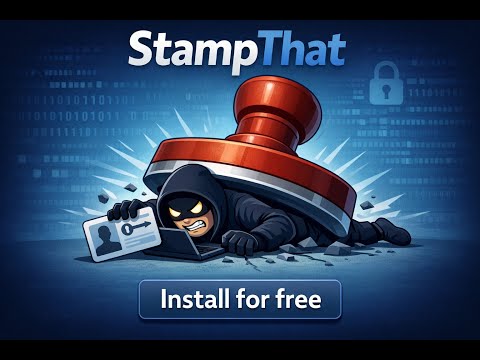
StampThat automatically watermarks your documents the moment you upload them—anywhere on the web: email, Google Drive, WhatsApp Web, administration portals, bank forms, and more. A watermarked ID or contract cannot be reused to take out loans or commit fraud. With StampThat, your documents stay usable for their purpose, but worthless to hackers. How it works - 📤 Detects document uploads automatically (drag & drop, paste, file inputs) - ✍️ Adds customizable watermark instantly - 🌐 Works on any website - ✅ Supports images, PDFs, and ZIP archives - 🔍 Format whitelists & blacklists for full control All processing happens locally in your browser. Your files never leave your computer. Built for people who share sensitive documents - Anyone looking for a rent, submitting documents to banks, landlords, or administrations - Freelancers sending IDs or contracts - Students applying to job offers Privacy by design - ✅ 100% local processing - 🚫 No data collection Stamp That is available in 18 languages. - 🆓 FREE weekly quota included - 💳 Buy credits for unlimited usage 👉 Install the Stamp That Chrome extension in one click and protect your personal data BEFORE sharing, NOT WHEN IT'S TOO LATE.
5 out of 52 ratings
Details
- Version1.0.6
- UpdatedFebruary 10, 2026
- FeaturesOffers in-app purchases
- Offered bymicaux.nicolas
- Size2.32MiB
- Languages17 languages
- Developer
Email
micaux.nicolas@gmail.com - Non-traderThis developer has not identified itself as a trader. For consumers in the European Union, please note that consumer rights do not apply to contracts between you and this developer.
Privacy

This developer declares that your data is
- Not being sold to third parties, outside of the approved use cases
- Not being used or transferred for purposes that are unrelated to the item's core functionality
- Not being used or transferred to determine creditworthiness or for lending purposes
Support
For help with questions, suggestions, or problems, please open this page on your desktop browser