


概述
Run SQL code for immediate preview of tables, columns and values
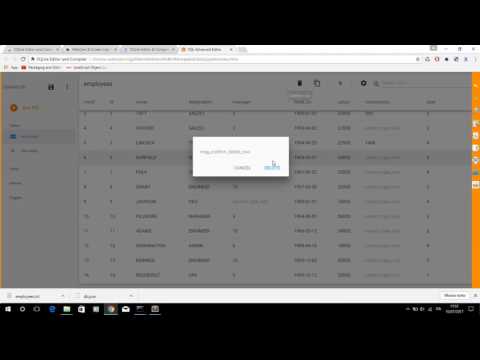
A valuable SQLite editor for your Browser Chrome with a useful button to compile the code sql for immediate preview of tables, columns and values. ======= - Release 2.2.1 - Resize png icons - Release 2.2.0 - Reorganization of the buttons in the toolbar of the basic editor. The full-screen function is now available for both the basic and advanced editors - Release 2.1.2 - Fixed bug to import file in basic SQLIte editor - Release 2.1.1 - Removed some permissions not required from file manifest of extension - Release 2.0.1: Open Advanced SQL Editor using context menu or black top button in main page - Release 1.4.1: CTRL-space key shortcuts to autocomplete SQL statements - Release 1.4.0: Compile your SQL code as JSON format with advanced validation == Installation == Install component directly in your Browser Chrome and click corresponding icon of the new extension in address bar - SQLite Highlight code editor with advanced search strings - Undo and redo - Search and Replace and Jump to line - Compilation and code validation and immediate preview of SQLite tables - Export the database in sqlite and txt - Import the file in sqlite and txt - Save results in html and pdf - Share queries and tables compiled via email - Release 1.3.2: Added search input in file list - Release 1.3.0: Added button to export Code to PDF - Release 1.2.0: Cloud Print code by Google (this function work online) and save project sql in Chrome File System - Release 1.0.3: Keyboard shortcuts to search and replace string
3.7 星(5 星制)3 个评分
详情
隐私权
该开发者已声明,您的数据:
- 不会因未获批准的用途出售给第三方
- 不会为实现与产品核心功能无关的目的而使用或转移
- 不会为确定信用度或放贷目的而使用或转移
支持
若有任何疑问、建议或问题,请在桌面浏览器中打开此页面