

Speedster – Video Speed Controller

Overview
Automatically sets your preferred playback speed on every video, everywhere.
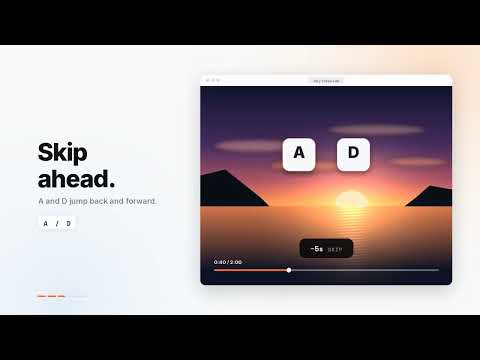
Speedster – Take control of every video, everywhere. Speedster automatically sets your preferred playback speed on any video across any website — YouTube, Netflix, Crunchyroll, Instagram, Twitch, and more. Set it once, forget it. Every video plays at your speed. —————————————————— KEYBOARD SHORTCUTS (change any of them in the popup) E → Speed up Q → Slow down R → Reset to 1× (press again to restore your speed) W → Show current speed on screen A → Skip backward D → Skip forward —————————————————— FEATURES - Works on any website with a video — including embedded players - Instant speed changes — no lag, no crashes - Custom keybindings — click a shortcut, press the key you want - On-screen speed indicator (HUD) that fades out automatically - Skip forward or backward with A and D keys - Adjustable step size for E and Q shortcuts - Adjustable skip time for A and D shortcuts - Toggle the skip HUD on or off - Fine-tune speed from 0.25× all the way to 4× - Turn Speedster off with one click — instantly, in every tab, no reload - Your speed preference is saved automatically - Works in fullscreen on all sites —————————————————— Built for people who value their time.
0 out of 5No ratings
Details
- Version1.2
- UpdatedOctober 13, 2026
- Offered byRall_0
- Size15.47KiB
- LanguagesEnglish
- Developer
Email
ergenearal2@gmail.com - Non-traderThis developer has not identified itself as a trader. For consumers in the European Union, please note that consumer rights do not apply to contracts between you and this developer.
Privacy

This developer declares that your data is
- Not being sold to third parties, outside of the approved use cases
- Not being used or transferred for purposes that are unrelated to the item's core functionality
- Not being used or transferred to determine creditworthiness or for lending purposes