

Spatial Tab Mover
확장 프로그램도구3 사용자

개요
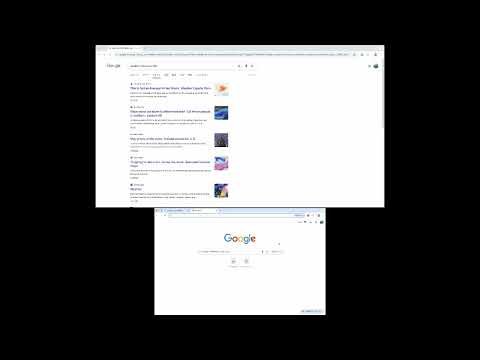
Spatial Tab Mover lets you move the current tab to adjacent Chrome windows using keyboard shortcuts based on the relative positions…
Spatial Tab Mover lets you move the current tab to adjacent Chrome windows using keyboard shortcuts based on the relative positions of your windows. Features: - Move the current tab left, right, up, or down using configurable keyboard shortcuts - Automatically determines the destination window based on window positions - Optional visual UI to manually adjust window direction mapping - Works entirely locally with no data collection or external communication Keyboard shortcuts can be configured via Chrome’s extension shortcuts settings. Designed for users who work with multiple Chrome windows or monitors.
5점 만점에 0점평점 없음
세부정보
- 버전2.4
- 업데이트됨2026년 2월 2일
- 제공gureibu0326
- 크기8.43KiB
- 언어English
- 개발자Yuki Maeda
#302 Mezonsyuri- 5-13-10 Daita Setagaya City, 東京都 155-0033 JP이메일
gureibu0326@gmail.com전화
+81 90-6356-9905 - 판매자개발자가 유럽연합에서 정의한 바에 따라 본인을 판매자로 밝혔으며 EU 법규를 준수하는 제품 또는 서비스만 제공하기로 약정했습니다.
개인정보 보호

확장 프로그램을 관리하고 조직에서 확장 프로그램이 사용되는 방식을 알아보세요.
개발자가 데이터를 수집하거나 사용하지 않겠다고 명시했습니다. 자세히 알아보려면 개발자의 privacy policy 문서를 참고하세요.
개발자가 사용자 데이터에 관해 다음과 같이 선언했습니다
- 승인된 사용 사례를 제외하고 서드 파티에 판매하지 않음
- 항목의 핵심 기능과 관련 없는 목적으로 사용하거나 전송하지 않음
- 신용도 판단 또는 대출 목적으로 사용하거나 전송하지 않음