

Spatial Tab Mover
ExtensionTools9 users

Overview
Spatial Tab Mover lets you move the current tab to adjacent Chrome windows using keyboard shortcuts based on the relative positions…
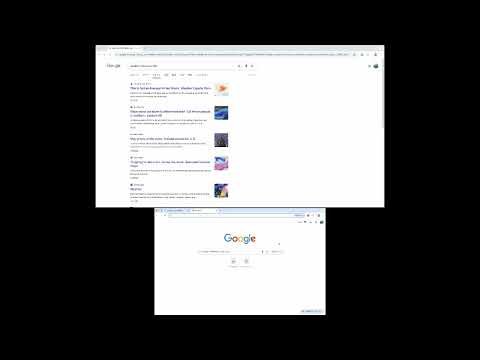
Spatial Tab Mover lets you move the current tab to adjacent Chrome windows using keyboard shortcuts based on the relative positions of your windows. Features: - Move the current tab left, right, up, or down using configurable keyboard shortcuts - Automatically determines the destination window based on window positions - Optional visual UI to manually adjust window direction mapping - Works entirely locally with no data collection or external communication Keyboard shortcuts can be configured via Chrome’s extension shortcuts settings. Designed for users who work with multiple Chrome windows or monitors.
0 out of 5No ratings
Details
- Version2.4
- UpdatedFebruary 2, 2026
- Offered bygureibu0326
- Size8.43KiB
- LanguagesEnglish
- DeveloperYuki Maeda
#302 Mezonsyuri- 5-13-10 Daita Setagaya City, 東京都 155-0033 JPEmail
gureibu0326@gmail.comPhone
+81 90-6356-9905 - TraderThis developer has identified itself as a trader per the definition from the European Union and committed to only offer products or services that comply with EU laws.
Privacy

Manage extensions and learn how they're being used in your organization
The developer has disclosed that it will not collect or use your data. To learn more, see the developer’s privacy policy.
This developer declares that your data is
- Not being sold to third parties, outside of the approved use cases
- Not being used or transferred for purposes that are unrelated to the item's core functionality
- Not being used or transferred to determine creditworthiness or for lending purposes