

SP Formatter
5 个评分
)
概述
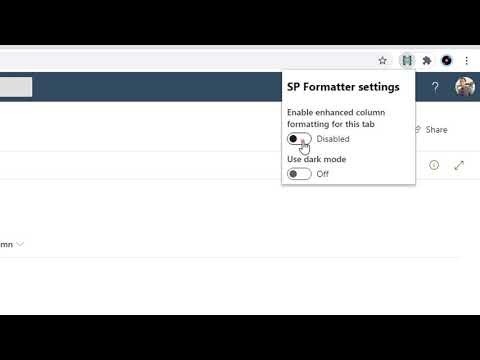
Customize your SharePoint Column, View or Form Layout Formatting JSON using a full-featured editor instead of the default one.
SP Formatter features: - Live Preview as you type (no need to click "Preview" button) - Intellisense (suggestions) based on Column or View formatting schema, CSS styles, replaceable tokens (`@currentField`, list fields with `$` based on the context) - JSON validation with error messages in the editor - Help tooltips for JSON properties - Color highlights - Line numbers, brace matching, collapsible regions - Hotkeys: search, replace, format document, go to line and others available for monaco-editor - Easily switch between default and enhanced editor - VSCode integration - Full screen mode Supported platforms: - SharePoint Online - SharePoint 2019 (through a separate extension, read more https://github.com/pnp/sp-formatter/blob/master/sp2019/README.md) PRIVACY POLICY SP Formatter does not collect nor store any personal data. CHANGELOG: https://github.com/pnp/sp-formatter/blob/master/web-extension/CHANGELOG.md
4.2 星(5 星制)5 个评分
详情
- 版本0.1.6
- 上次更新日期2024年7月9日
- 提供方Sergei Sergeev
- 大小4.28MiB
- 语言English
- 开发者
邮箱
sergeev.srg@gmail.com - 非交易者该开发者尚未将自己标识为交易者。欧盟地区消费者须知:消费者权利可能不适用于您与该开发者达成的合约。
隐私权

该开发者已声明,您的数据:
- 不会因未获批准的用途出售给第三方
- 不会为实现与产品核心功能无关的目的而使用或转移
- 不会为确定信用度或放贷目的而使用或转移
支持
若有任何疑问、建议或问题,请在桌面浏览器中打开此页面