


Overview
Select any part of a page, annotate it, and copy or save it — without leaving the tab.
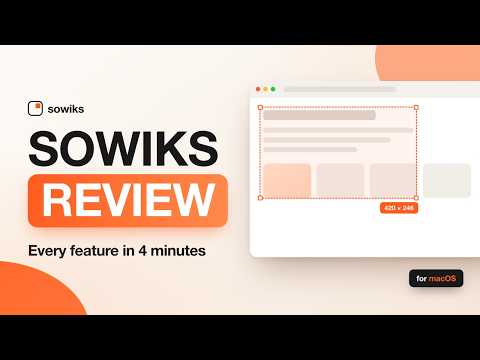
Sowiks turns a browser tab into a screenshot tool: drag over the part of the page you care about, mark it up, and send it on. It happens in the tab you are already looking at — no window to switch to, no upload, no account. CAPTURE WHAT YOU MEAN Press Alt+Shift+S, click the Sowiks icon, or right-click the page. Everything but your selection dims, the size is shown as you drag, and Esc backs out. The capture is exact: retina displays and zoomed pages come out at full resolution. MARK IT UP The capture opens in an editor with the tools you actually reach for: • Pen and marker • Arrows and shapes — rectangles, circles, lines, filled or outlined • Highlight a region, or spotlight it and dim the rest • Text in any color and size • Numbered counters for step-by-step instructions • Blur, pixelate or black out anything private • Crop down to what matters Everything you draw stays editable: click it, move it, recolor it, delete it. Undo and redo go back fifty steps. Single-key shortcuts (P, M, A, S, H, T, C, B) put every tool one keystroke away. THEN COPY IT OR SAVE IT Ctrl+C (⌘C on a Mac) copies the finished image to your clipboard, ready to paste into Slack, Jira, a doc or an email. Ctrl+S saves a PNG to your Downloads folder. If you would rather skip the editor entirely, Settings can copy or save the moment you release the selection. NOTHING LEAVES YOUR MACHINE Sowiks for Chrome has no server. Captures are cropped, drawn on and exported entirely inside your browser — nothing is uploaded, nothing is logged, and there is no account to make. The extension has no permanent access to any site: it can only see a tab in the moment you ask it for a capture. WORKING ON A MAC? Sowiks for Mac captures any window or the whole screen, scrolls long pages into one image, records video and GIF, reads text out of images, and turns any capture into a link you can share. https://sowiks.com
5 out of 51 rating
Details
- Version1.0
- UpdatedAugust 11, 2026
- Size54.11KiB
- LanguagesEnglish
- DeveloperWebsite
Email
alx.leonow@gmail.com - Non-traderThis developer has not identified itself as a trader. For consumers in the European Union, please note that consumer rights do not apply to contracts between you and this developer.
Privacy

This developer declares that your data is
- Not being sold to third parties, outside of the approved use cases
- Not being used or transferred for purposes that are unrelated to the item's core functionality
- Not being used or transferred to determine creditworthiness or for lending purposes
Support
For help with questions, suggestions, or problems, visit the developer's support site